
Board of Directors Advisor: Screenshot, Slide & Shared-Window Visual Context Prompt
Copy-ready real-time voice AI system prompt and session template configuration for a Board of Directors Advisor working in Executive Leadership, Operations & Strategy—engineered for GPT Realtime Assistant on iPhone, iPad, and Mac.
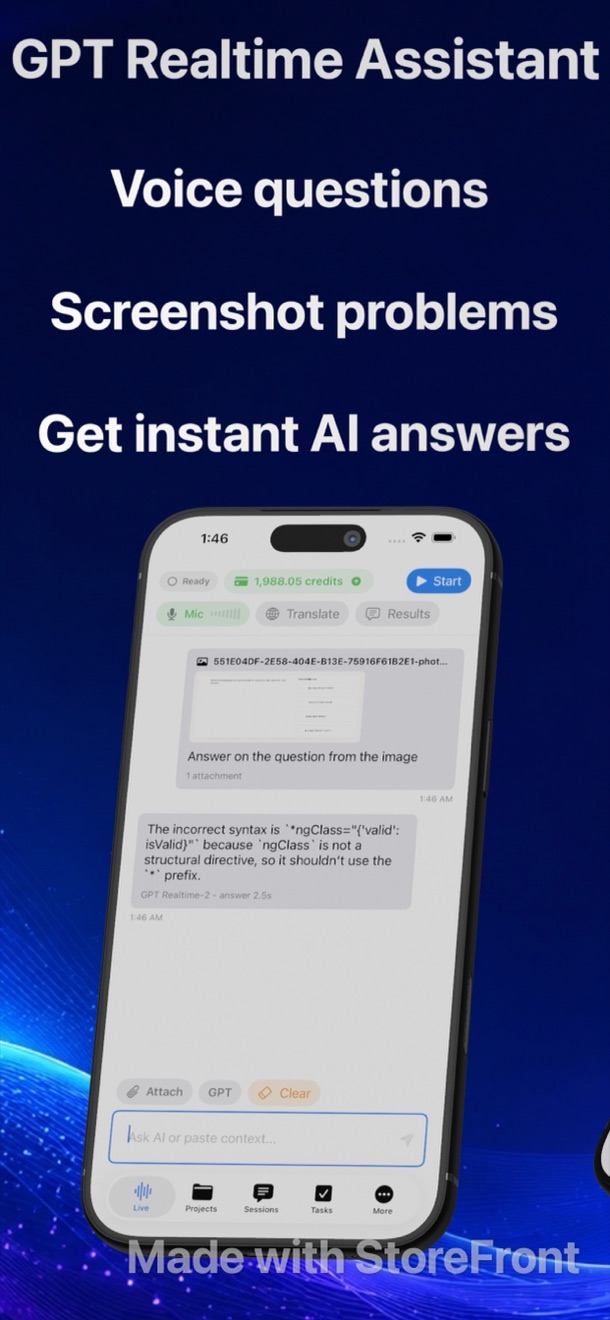
In GPT Realtime Assistant (id6770536523), you can launch one of the 17 built-in room templates or paste custom role instructions into a blank session. While you speak or listen, the app writes a live transcript on one side and generates instant detailed answers beside it.
1. Copy-Ready Voice AI System Prompt for Board of Directors Advisor
Paste the following instructions into a custom session in GPT Realtime Assistant (or customize the closest preset among the 17 built-in templates):
2. Session Configuration & Parameter Matrix
| Setting in GPT Realtime Assistant | Recommended Value for Board of Directors Advisor | Why It Works in Live Conversations |
|---|---|---|
| Session Template | Vision + Voice Session (or Custom Role) | Pre-loads domain-specific framing for executive leadership, operations & strategy without repeating context every turn. |
| Assistant Answer Length | Detailed (Brief / Balanced / Detailed) | Keeps side-by-side answers scannable at a glance while people are still talking. |
| Barge-In Interruption | Enabled (Automatic Voice Activity) | Speak at any moment to cut off a long explanation and pivot to the next topic on the table. |
| Visual Context Input | Photos, Screenshots & Mac Windows | Attach a slide, architecture diagram, or contract clause mid-session so the assistant grounds its spoken answer. |
| Execution Engine | OpenAI Realtime API or Offline Mac AI | Use cloud credits (28 credits/min (with image context)) on iOS/iPadOS/Mac, or switch to local Whisper Large v3 Turbo + Qwen 3 8B on Apple Silicon Macs for 0-credit private text answers. |
3. Live Spoken Turn & Barge-In Dialogue Rubric
| Conversation Moment | What the Other Side Says / Shows | How GPT Realtime Assistant Helps Board of Directors Advisor Live |
|---|---|---|
| Opening Framing | Stakeholder outlines goals, constraints, or timeline pressures. | Writes live transcript and surfaces 3 high-leverage clarifying questions in the side-by-side answer pane. |
| Mid-Call Deep Dive | Complex metric, technical tradeoff, or bilingual phrase comes up. | Provides instant verification or translates both ways across 58 languages with optional spoken readback. |
| Visual Artifact Check | A chart, code diff, or document is shared on screen or photographed. | Reads the attached screenshot/window context and highlights hidden risks or missing assumptions. |
| Closing Commitments | Next steps, owners, and target dates are agreed verbally. | Lets you tap any assistant insight or transcript turn to create a prioritized card on your local Task Board. |
Related Voice AI System Prompts & Templates
Frequently Asked Questions
Open GPT Realtime Assistant on iPhone, iPad, or Mac, start a new session inside a Project, choose 'Vision + Voice Session' (or Blank Session), paste the role instructions, and set response length to Detailed.
Yes. On any Mac with Apple Silicon, you can download Whisper Large v3 Turbo and Qwen 3 8B once in Settings and run live transcription and side-by-side text answers 100% on-device without spending cloud credits.