What it does

Features

The full list, each with what it is for.

A live session, not a chat box

A live session, not a chat box

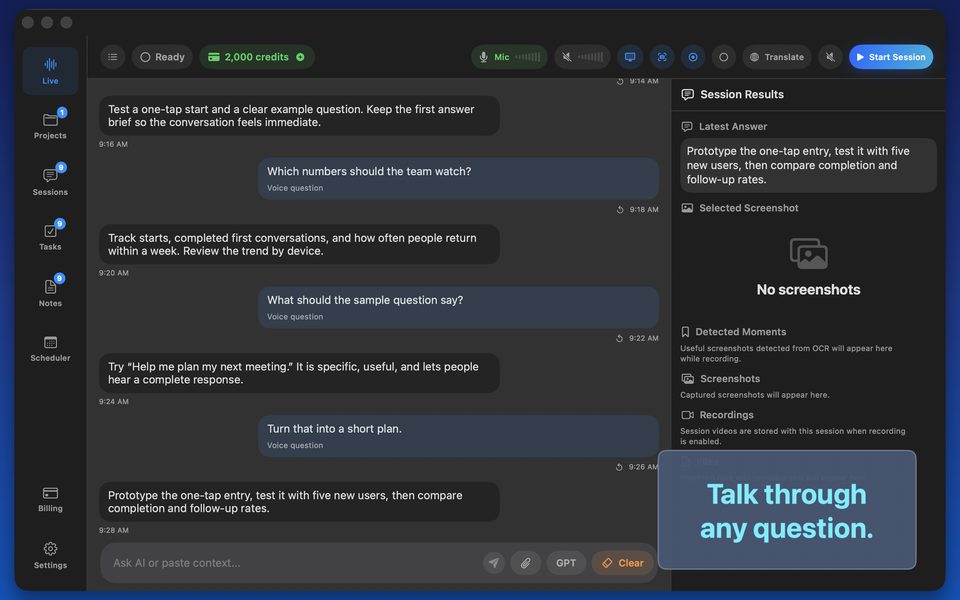
Tap Start and the microphone streams to the model. What is said appears as a transcript; what the assistant has to say appears beside it. Semantic voice detection knows when a speaker has finished, and you can interrupt the answer by talking. Answers come in brief, balanced or detailed length.

  • OpenAI Realtime API, gpt-realtime-2
  • Transcript and answers side by side
  • Interrupt by speaking
  • Brief, balanced or detailed answers
Templates for the room you are in

Templates for the room you are in

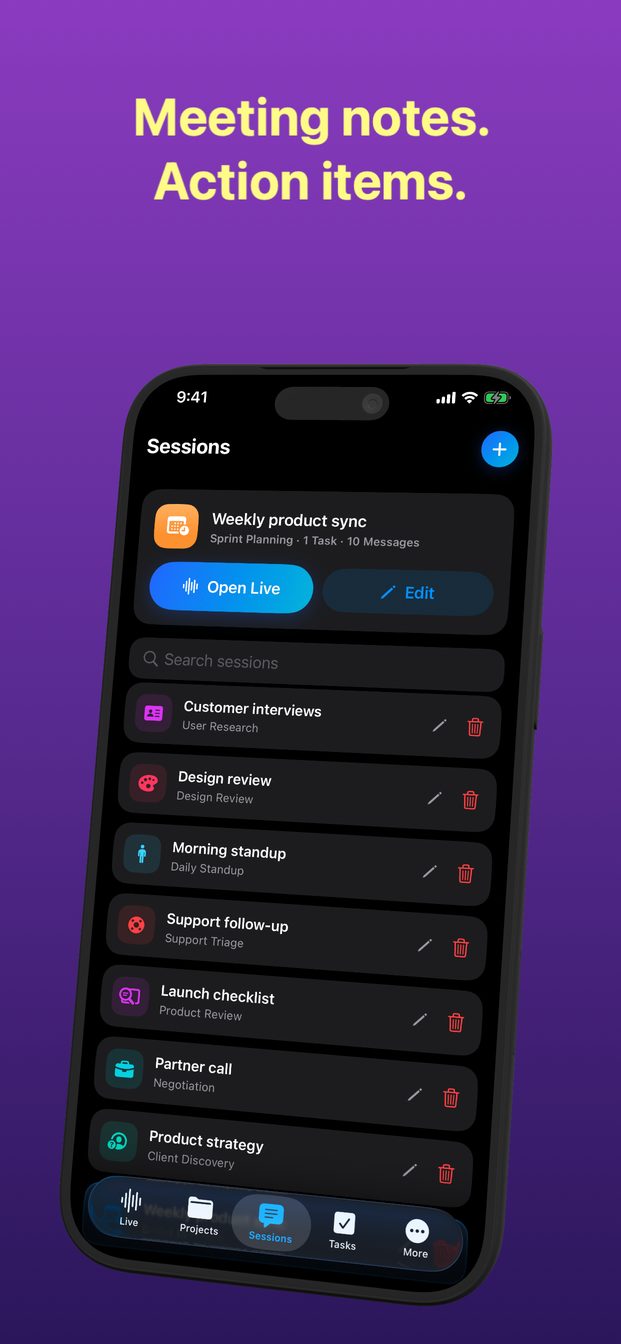
A new session starts from one of seventeen templates, each with roles and instructions already written: interview, negotiation, sprint planning, daily standup, client discovery, sales demo, support triage, incident review, design review, user research, lecture notes, one-on-one, hiring debrief, decision meeting, translation, coding task and product review. Or start a blank session and write the role and instructions yourself; either way, you can edit them for the session in front of you.

  • Seventeen templates with roles and prompts
  • Blank sessions with your own instructions
  • Projects hold sessions; sessions hold history
Translation and readback

Translation and readback

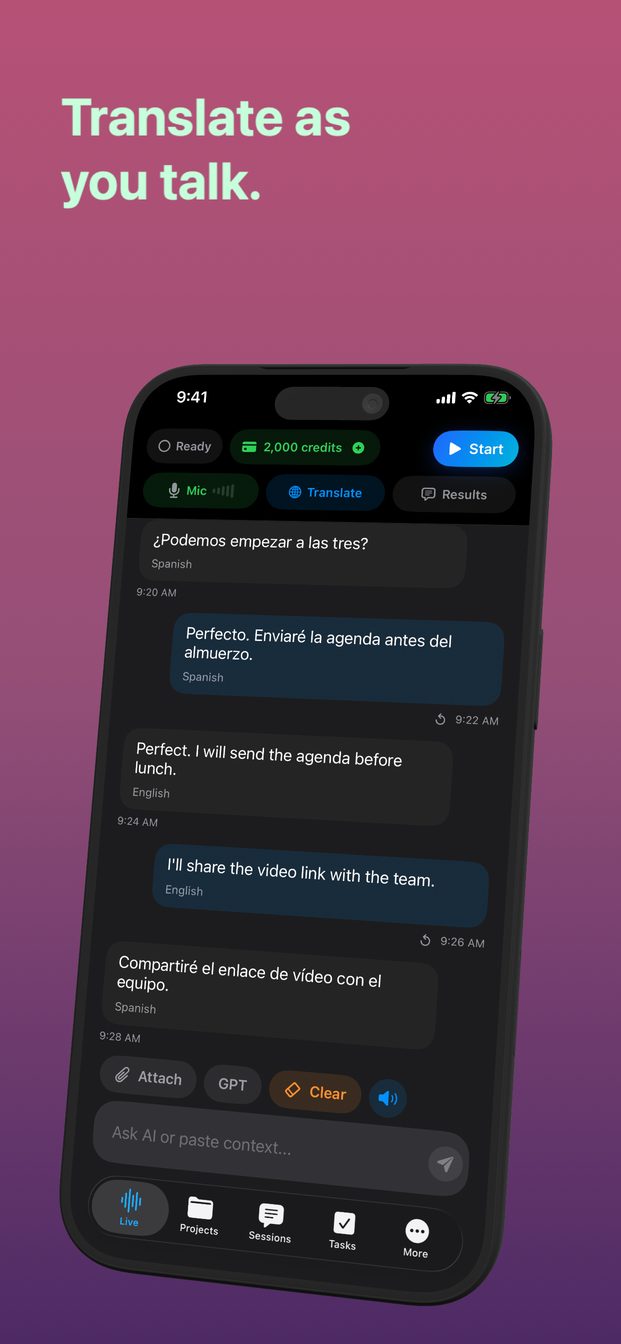
A translation session turns the assistant into a live interpreter: whatever is said, in a language it detects or one you set, appears translated into the language you choose, sentence by sentence. To answer in the other person's language, open Translate and exchange the From and To languages. Karaoke readback uses Apple's on-device speech recognition to highlight words as you read them, for rehearsing a talk or practising a language.

  • Speech detected, translated into your language
  • On-device readback highlighting
  • Highlight colour of your choice
Context you attach

Context you attach

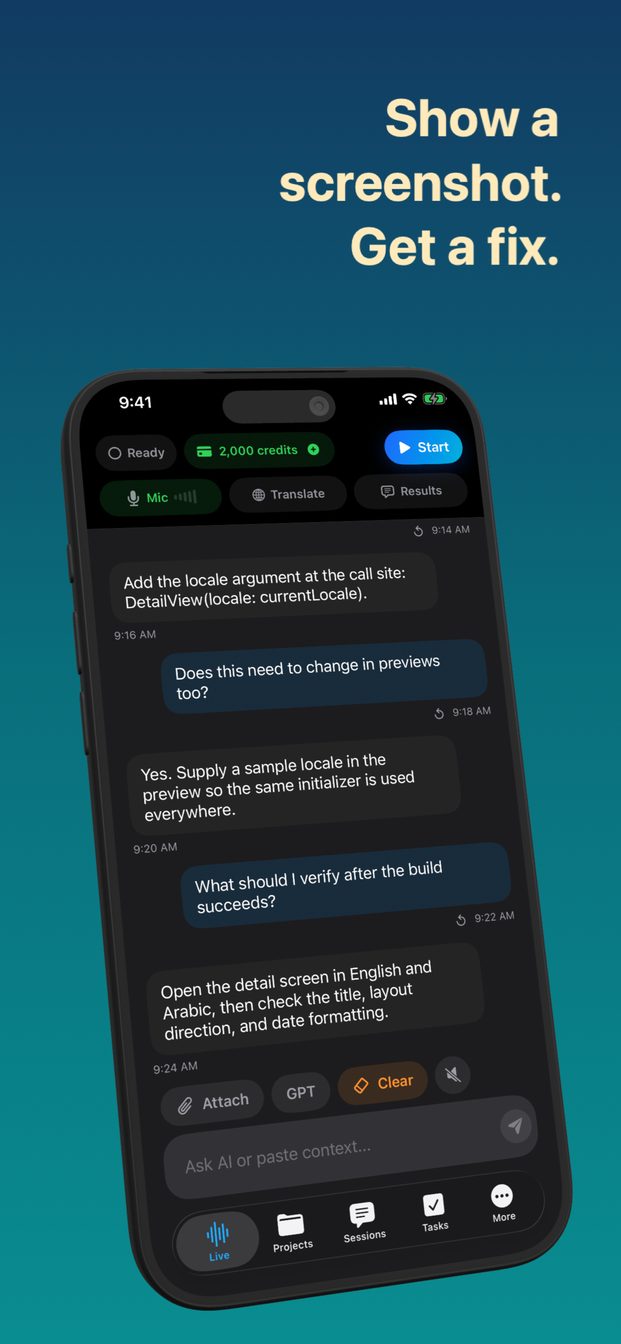
Add a photo or a screenshot to a session and the assistant answers with it in view. On Mac the app can capture a chosen screen or window, record the session, and watch system audio, so a screen-shared meeting is context too.

  • Photo, camera and screenshot attachments
  • Screen and window capture on Mac
  • System audio on Mac
Tasks, notes, scheduler

Tasks, notes, scheduler

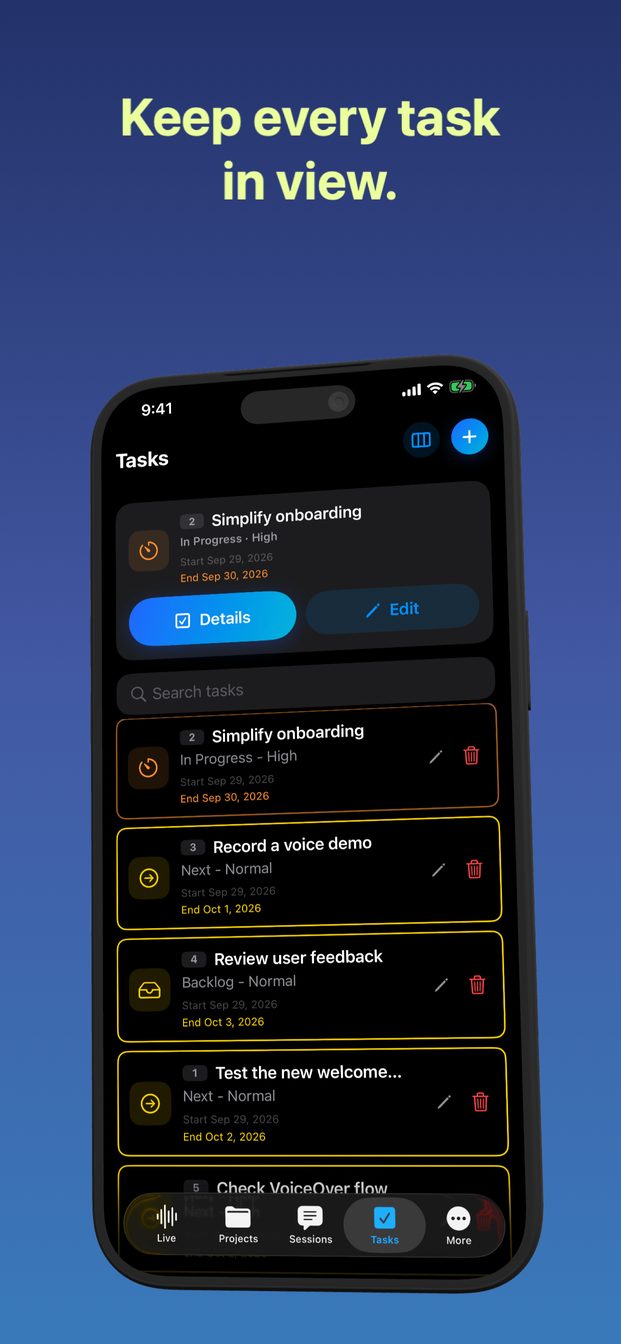
Useful moments become tasks with status, priority, dates and comments, and evidence attached as screenshots or video. Sessions can be scheduled with reminders. Notes live alongside on Mac. All of it is stored on the device.

  • Task board with evidence
  • Scheduler with reminders
  • Notes on Mac
  • Stored locally
Local models on Mac

Local models on Mac

On an Apple silicon Mac the app can download Whisper Large v3 Turbo for transcription and Qwen 3 8B for answers and run them on the machine, for sessions whose audio should not leave the room. Local sessions work without the cloud and use no credits; their answers appear as text. On iPhone and iPad, transcription is either OpenAI's or Apple's on-device speech recognition.

  • Whisper and Qwen, downloaded once, run locally
  • Mac with Apple silicon only
  • Apple Speech on every device