
Guides
Guides
How to set up a session that helps, what it costs in credits, and where the line is when other people are in the room.
 Japanese to French voice translation: a one-minute tutorialWatch Japanese speech translated into French. Choose the language pair, hear the replies and find your saved transcript in GPT Realtime Assistant.
 Turn a live translation into a video, with your face and your voiceRecord GPT Realtime Assistant's live translation with your camera and voice, using Reel Screen Recorder on iPhone, iPad or Mac: the setup and the order.
- How to talk with family who speak another languageOne iPhone between you can translate a conversation with a grandparent or in-laws who speak another language, one direction at a time. How to set it up.
- How to translate at a doctor's or hospital appointmentA live translation app can translate a routine doctor's appointment abroad or for a parent, but it is not a certified interpreter. Setup, limits, privacy.
- Real-time translator for travel: hotel, taxi, pharmacyA real-time translator for travelling: one iPhone puts what people say into your language at a hotel desk, in a taxi or at a pharmacy. Setup, data, limits.
- Translate a parent-teacher meeting, bank or council visitTranslate a parent-teacher meeting or a landlord, bank or council office visit live on one iPhone, and know when to ask for a professional interpreter.
- Choosing a real-time translation app: what to test firstTest a real-time translation app on eight points before you rely on it: listening, replies, speed, screen, text size, offline use, privacy and cost.
 Practise speaking a foreign language with AIPractise speaking a foreign language with AI: check what you said in a translation session, talk to a partner that corrects you, then read aloud.
- Live captions for a face-to-face conversation on iPhoneGet live captions of a face-to-face conversation on iPhone or iPad: a live transcript in large text, where to put the phone, and what it is not.
- Offline AI assistant on a Mac: local models, no internetRun an AI assistant offline on an Apple silicon Mac: download Whisper and Qwen once, then transcribe, answer and translate as text without the cloud.
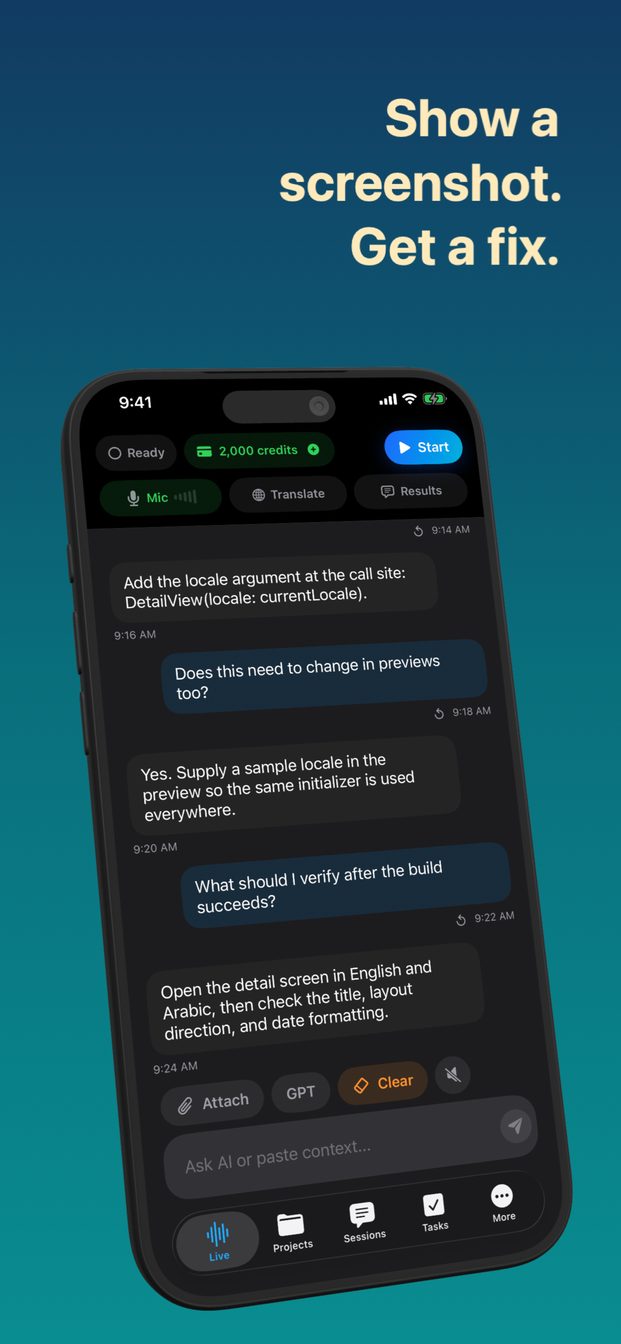 Ask AI about a screenshot or photo, by voice or typingTo ask AI about a screenshot or photo, attach it to a session and ask out loud or by typing: an error, a form, a chart, a menu. iPhone, iPad, Mac.
- Talk to an AI assistant hands-free, by voiceTo talk to an AI assistant hands-free, start a live session and speak: it answers as text beside the transcript, and you interrupt it by talking.
 AI meeting assistant without a bot joining the callAn AI meeting assistant with no bot in the call: it listens through your device's microphone, or a Mac's system audio, and helps while the meeting runs.
- Real-time AI help during a sales or client callFor real-time AI help on a sales or client call, start from the Client Discovery, Sales Demo or Negotiation template with your price list in it.
- How to get a live transcript of a meeting on iPhone, iPad or MacWhy a transcript written during the meeting beats one made from a recording afterwards, and how to run a live transcription session on iPhone, iPad or Mac.
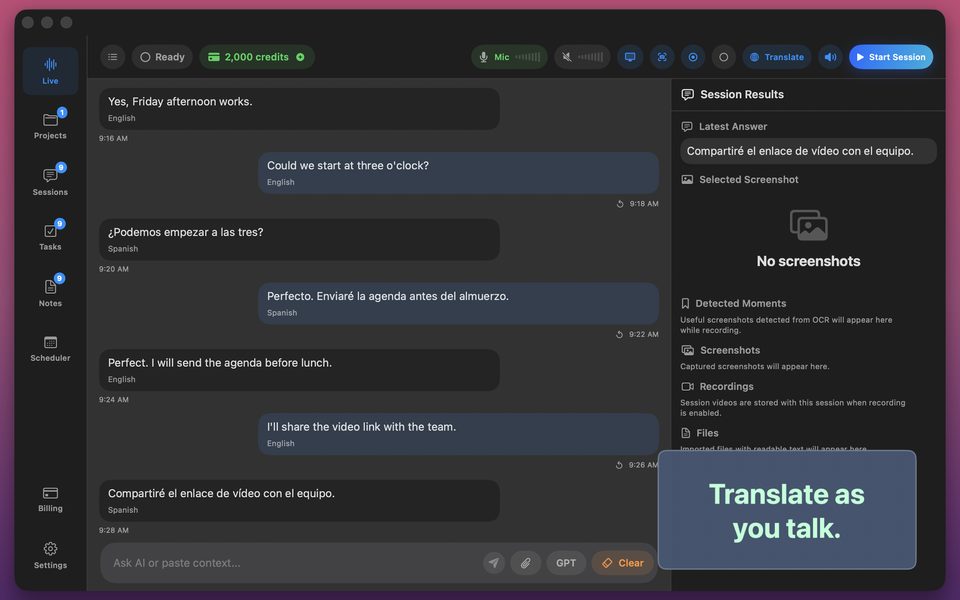
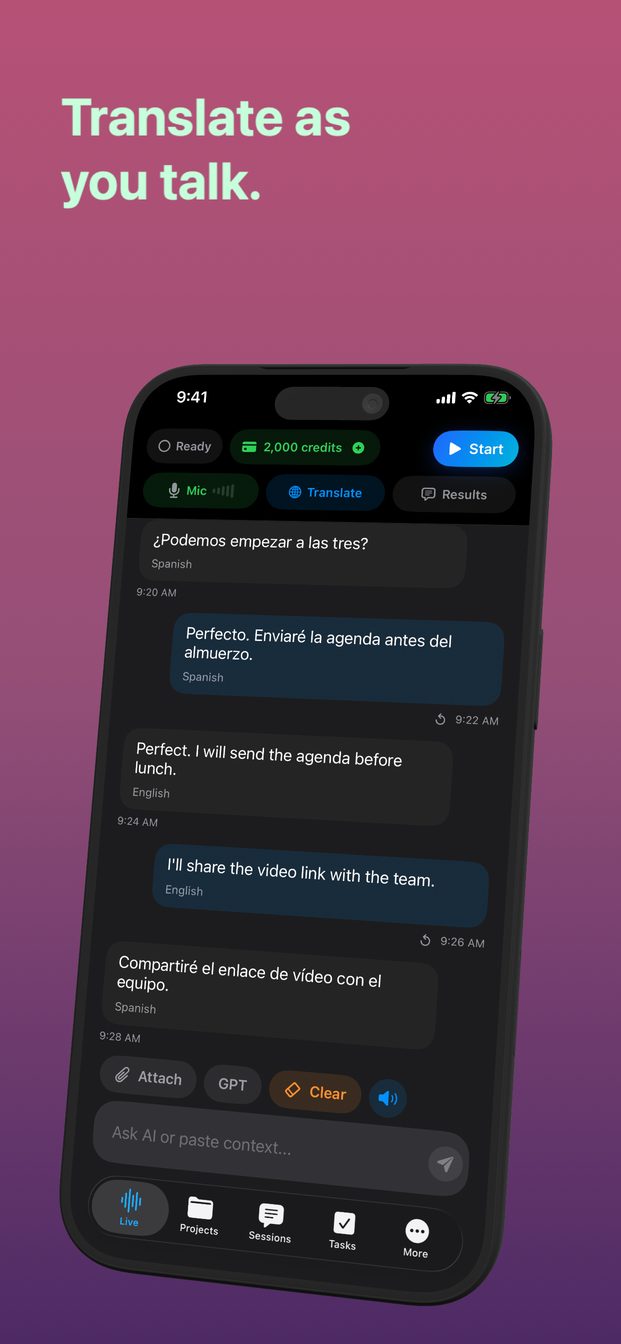
- How to translate a conversation in real time on iPhone, iPad or MacUsing a live translation session as an interpreter: how it translates what is said into your language, how to set it up, where to put the device, and what it still gets wrong.
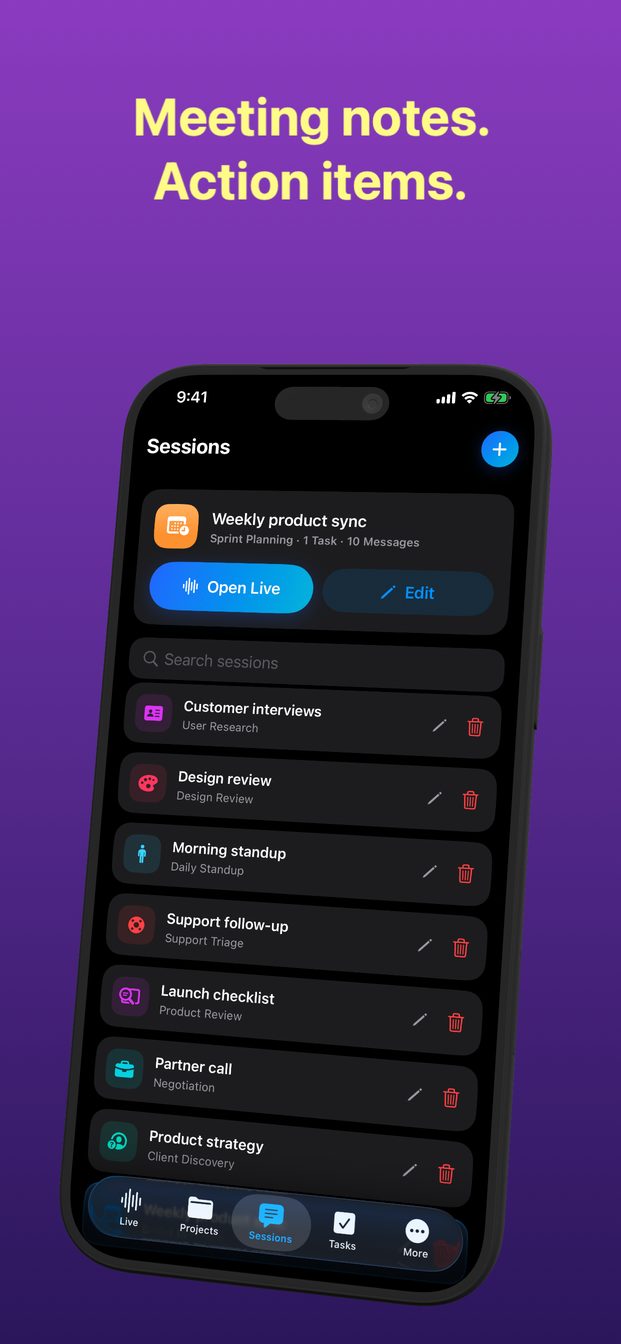
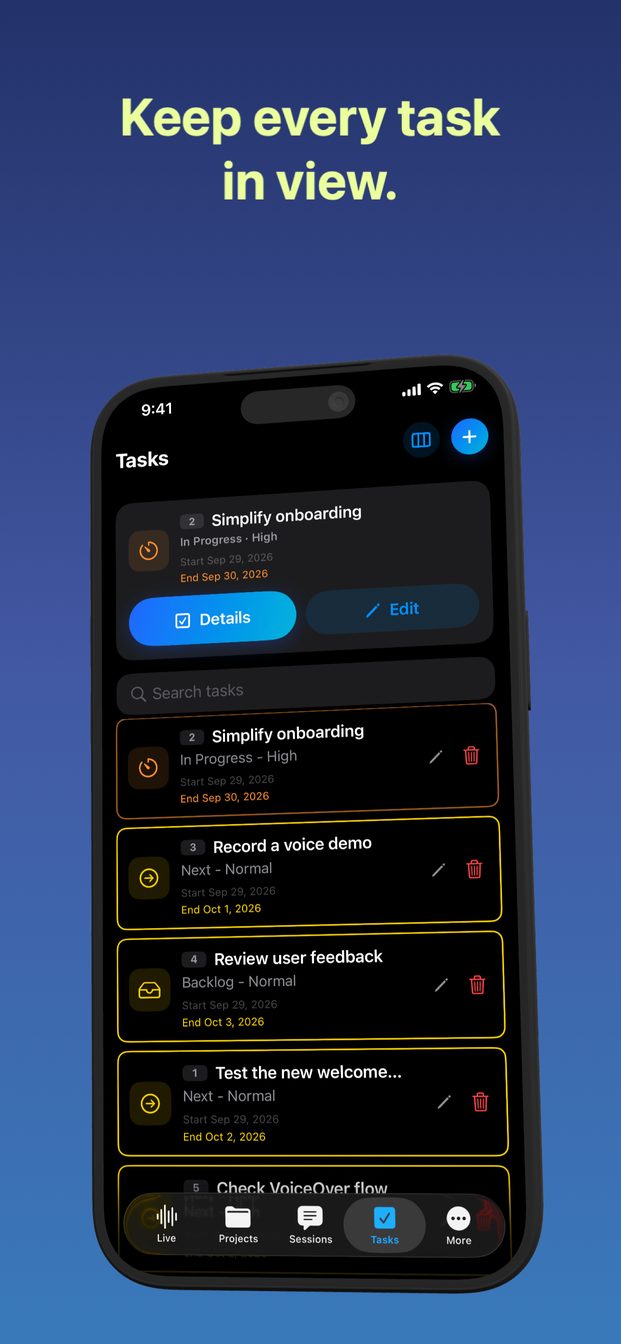 Meeting notes and action items, before the meeting endsHow to turn a live meeting into tasks with owners, dates and evidence while it is still happening — and why notes written afterwards lose the decisions.
- How to transcribe a lecture as it happensTranscribe a lecture live, photograph the board into the same session, and ask about what was said — plus the permission to ask for first.
- Private transcription on a Mac: local models for audio that should not leave the roomTranscription and answers on an Apple silicon Mac with Whisper and Qwen run locally — what stays on the machine, what does not, and the trade-offs.
- How to transcribe a Zoom, Meet or Teams call on a MacCapture a video call's audio and screen on a Mac so the other side is transcribed too — the permission it needs and what to tell the people on the call.
- Practising for a job interview out loud, with an AI interviewerThe interview template as a mock interviewer: answer out loud, get feedback, and why the practice belongs before the interview, not during it.
- Rehearsing a talk out loud, with the words highlighted as you readUsing karaoke readback to rehearse a presentation or practise a language: the text highlights word by word as you read it aloud, recognised on the device.
- Setting up a session that helps: templates, instructions and answer lengthThe seventeen session templates, how to edit their instructions for a session, and the one setting — answer length — that decides whether live help helps.
- Recording and transcribing other people: what to tell them, and what the law asksWhy a live transcript counts as recording, how consent rules differ by place, and a one-sentence way to ask first. General information, not legal advice.
- What a session costs: subscription, credits and how they are spentHow the monthly subscription, the 2,000 included credits and the credit packs work, what a session spends credits on, and how to make them last longer.