
Translating Foreign-Language Primary Sources on Screen — iPad Split View Side-by-Side Transcript & Visual Context
Step-by-step hands-free voice AI workflow for Translating Foreign-Language Primary Sources on Screen under Deep Research, Lecture Capture & Literature Synthesis, optimized for iPad (iPadOS 26+) in GPT Realtime Assistant.
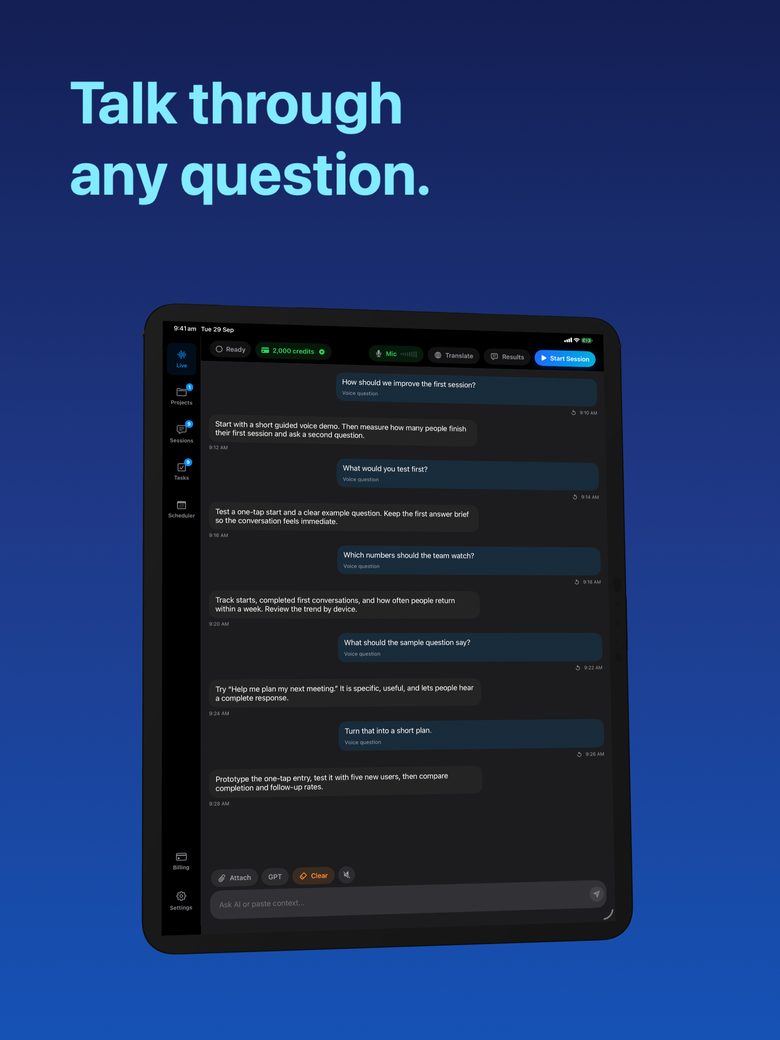
Unlike static text chat boxes that force you to type and copy-paste, GPT Realtime Assistant (id6770536523) keeps a live audio stream open on screen, pairing real-time transcripts with brief, balanced, or detailed answers and one-tap task creation.
1. 4-Step Execution Pipeline for Translating Foreign-Language Primary Sources on Screen
| Workflow Stage | Action in GPT Realtime Assistant (iPad (iPadOS 26+)) | Expected Output |
|---|---|---|
| Step 1: Project & Template Setup | Create or open a local Project and pick the matching preset from the 17 session templates (or custom instructions). | Dedicated workspace with persistent context, task board, and scheduled reminders. |
| Step 2: Audio & Visual Context | Start the live session in iPad Split View Side-by-Side Transcript & Visual Context; attach a photo, screenshot, or macOS window if visual grounding is needed. | Sub-second speech recognition with visual awareness of your screen or camera capture. |
| Step 3: Interactive Barge-In Loop | Speak naturally; interrupt the assistant at any point by talking to steer between Brief, Balanced, and Detailed answers. | Side-by-side transcript + structured answer stream tailored to translating foreign-language primary sources on screen. |
| Step 4: Task Extraction & Rehearsal | Convert key insights into Task Board cards (status, priority, due date) or rehearse key lines with Karaoke word-by-word readback. | Concrete action items stored privately on your device with optional scheduler alerts. |
2. Cloud Realtime API vs Apple Silicon Offline Mode for This Workflow
| Capability | Cloud Session (iPhone, iPad & Mac) | Offline Local Session (Apple Silicon Mac) |
|---|---|---|
| Speech & Reasoning Models | OpenAI Realtime API direct from device | On-device Whisper Large v3 Turbo + Qwen 3 8B |
| Credit Consumption | Uses monthly 2,000 credits (~85/min for 2-way translation) | 0 credits/min (100% free local inference after model download) |
| Spoken Voice Output | Full spoken responses & spoken translations | Text answers beside live transcript (silent private workspace) |
| Privacy Posture | Direct encrypted stream; Arte Soft backend never sees audio or text | Air-gapped capable; zero bytes leave your Mac |
Related Hands-Free macOS & iOS Voice AI Workflows
Frequently Asked Questions
Yes. A single $9.99/month GPT Realtime Assistant subscription covers iPhone, iPad (iOS/iPadOS 26+), and Mac via your Apple Account, including 2,000 monthly AI credits.
GPT Realtime Assistant works live with the app open on screen so you always know when the microphone is active; a live session ends automatically if the app goes to the background or the screen locks.