ChatGPT Advanced Voice Mode Limits in 2026 & How to Talk Longer
Nothing breaks a brainstorm or mock interview faster than a surprise banner telling you your daily Advanced Voice quota is nearly up. Understanding why consumer voice tiers meter minutes—and how dedicated realtime workspaces separate cloud credits from free local Mac transcription—lets you finish long sessions without rationing speech. We plan to change the US yearly price to $119.99 and grant 2,500 AI credits each month for 12 months, for a total of 30,000 credits.
Why speech-to-speech models enforce strict daily caps
Native speech-to-speech streaming processes raw audio frames continuously in both directions rather than converting short text snippets. Every minute of live conversation carries significantly higher GPU compute cost than typed chat, which is why flat consumer plans throttle heavy voice users with rolling daily windows or automatic downgrades to slower standard TTS.
Even more frustrating for work use, consumer voice orbs often hide the live transcript while you talk—so when a session hits a cap or drops on mobile data, you cannot scan back over the exact wording from ten minutes ago.
Three practical ways to avoid mid-meeting voice cutoffs
Instead of guessing how many minutes remain in an opaque daily bucket, structure your voice workflow around session type and response verbosity:
- Use Brief response mode during fast back-and-forth rehearsals or live calls so the assistant replies in one or two crisp sentences instead of burning audio output tokens on long monologues.
- Keep a visible credit meter ($9.99/mo includes 2,000 credits; $79.99/yr includes 48,000 credits, equivalent to 4,000/mo) with instant 1,000 or 5,000 credit top-up packs when preparing for an intensive interview week.
- Offload long lectures, confidential interviews, and local Mac dictation to downloadable Whisper Large v3 Turbo and Qwen 3 8B on Apple Silicon—which spend zero credits and have no minute ceiling.
Why side-by-side transcript + written answers saves half your time
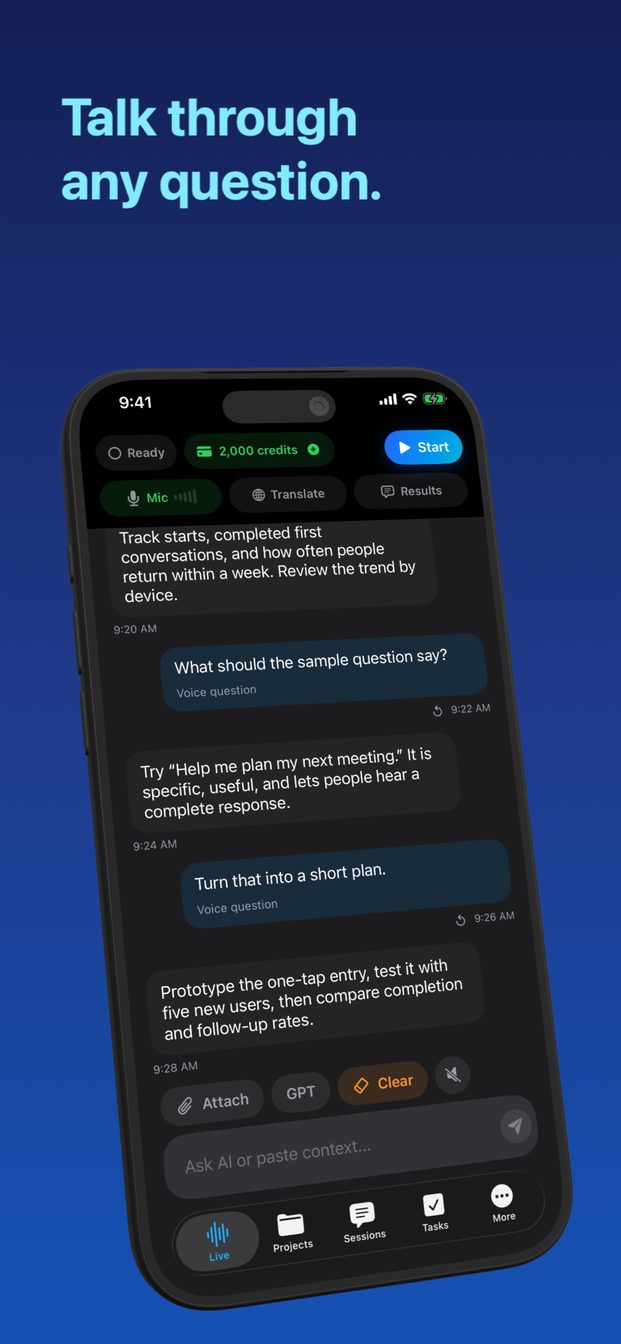
In GPT Realtime Assistant, spoken conversation and written output appear side by side in real time. You can interrupt a spoken reply the instant you see the answer on screen, copy action items straight into your on-device Project board, and keep every transcript locally on your iPhone, iPad, or Mac.
FAQ
What happens if I run out of monthly AI credits mid-week?
You can add a 1,000-credit ($4.99) or 5,000-credit ($19.99) consumable pack immediately inside the app, or switch to the Yearly plan (48,000 credits/yr). On Apple Silicon Macs, local Whisper and Qwen sessions always cost 0 credits.
Does interrupting the AI voice waste credits on the rest of its answer?
Barge-in stops spoken generation immediately when you start talking, saving both time and unnecessary audio output.