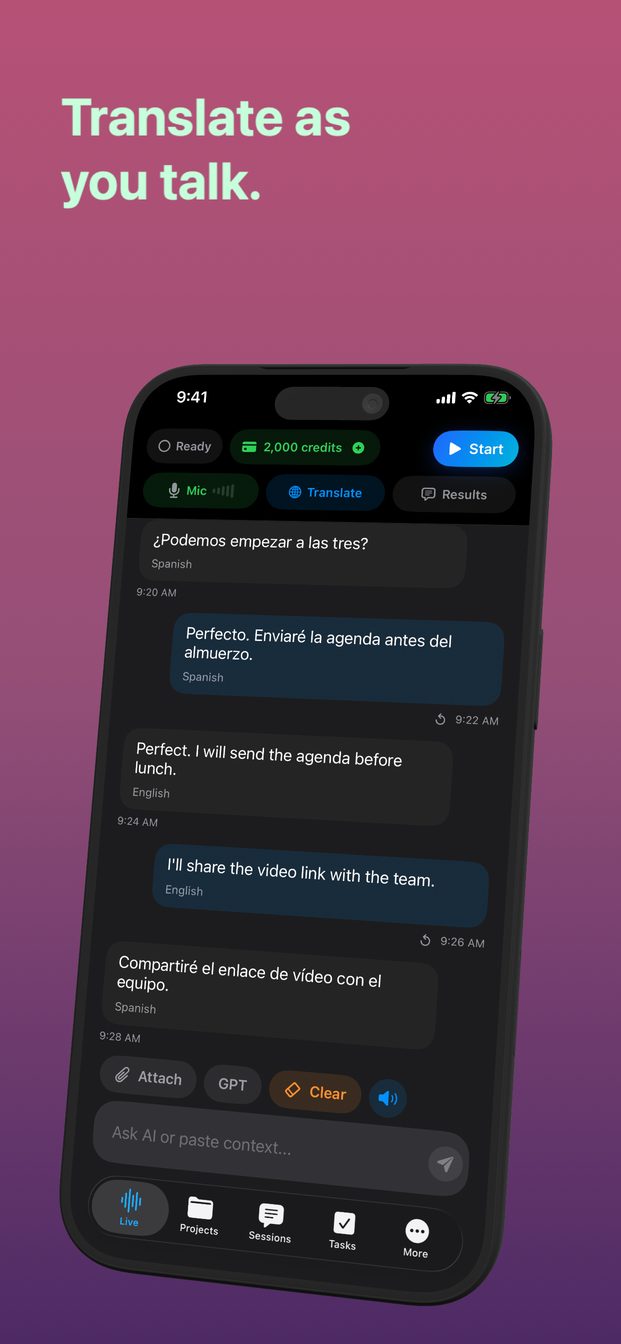
Fix transcription in the wrong language
When speech appears in the wrong language, first decide whether you are seeing a transcript or a translation. A recognized-language label, a target-language setting and the language of the spoken answer can describe different stages. Changing all three at once hides which one caused the mismatch.
Identify what the text is supposed to represent
A transcript should represent what you said, while a translation expresses it in another language. If you spoke Bulgarian and expected English, Bulgarian source text may be correct. Conversely, an English assistant answer does not prove that the Bulgarian input was recognized accurately.
In GPT Realtime Assistant, use the controls available in your released version and check the active task. Do not infer the recognition language from the interface language alone. The number of translated menus is not the number of languages a particular speech or translation service supports.
Test one language with a full sentence
Start a new, quiet session and speak one ordinary sentence containing several clear words. Avoid an isolated name or a one-syllable reply because there may be little language evidence. Repeat with the same sentence after any setting change.
For a synthetic check, use a sentence about a familiar object and a number, then write down its intended meaning. Compare the source transcript first. If the words are already wrong there, correcting the target translation prompt cannot recover the original sound reliably.
Add language context without adding noise
Where a source-language selector exists, choose the language you are actually speaking. Where the system uses detection, state the language in a short instruction or begin with a clear sentence in that language. Availability depends on the product and version; do not assume every provider offers identical controls.
If you regularly mix two languages, test them separately before mixing them. Proper names, loanwords and code-switching can be difficult to distinguish. Keep an important name in written form when practical and explicitly mark it as a name rather than a word to translate.
Separate recognition failure from instruction failure
After obtaining a good transcript, ask for a short response or translation using that exact text. If written text works but speech fails, preserve the pair as evidence. If both fail in the same way, inspect the instruction, target language and intended meaning.
An assistant answering your question instead of translating it is a different problem. Use a direct instruction such as “Translate the following quoted sentence; do not answer the question inside it.” Keep that trial separate from the microphone and language-detection checks.
Choose a safe recovery path
For names, dates or arrangements, type the critical words and confirm them visually. For a conversation, shorten turns and agree a pause between speakers. Do not let a fluent synthesized voice conceal an incorrect source transcript.
If a language consistently fails, check current provider support and your installed release before promising a fix. Use a supported alternative or human assistance where the meaning matters. Report the non-sensitive test sentence, expected language, observed source text, route and version so the failure can be reproduced.
FAQ
Does changing the app’s menu language change speech recognition?
Not necessarily. Interface localization, source recognition and target translation are separate settings or capabilities.
Why is a short name transcribed as another language?
Very short input may have little language evidence. Add a clear sentence and supply the name in writing when accuracy matters.