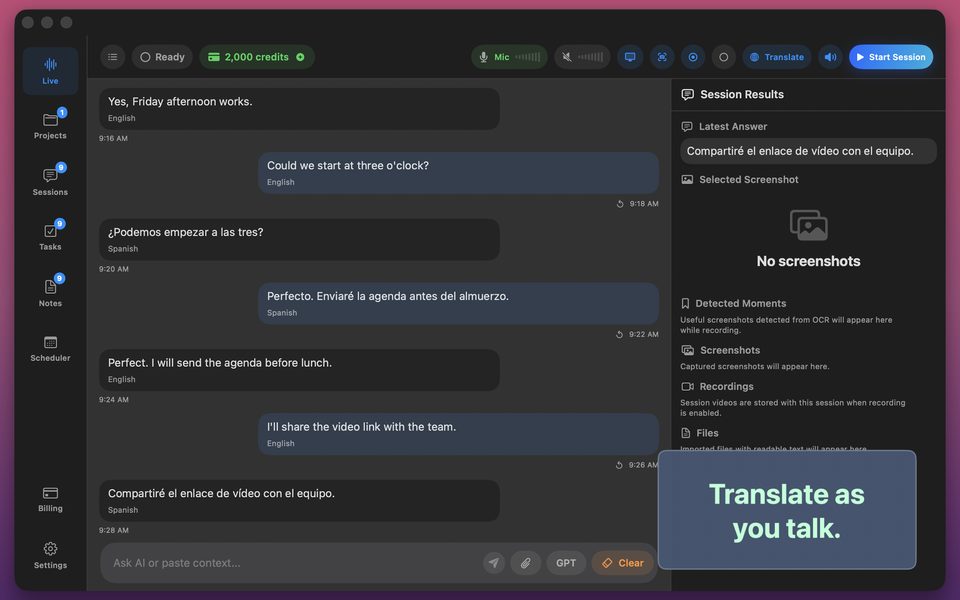
How to Get Live Transcripts & Translations for FaceTime & WhatsApp Calls
International suppliers, family abroad, and overseas landlords rarely schedule formal Zoom links—they call on WhatsApp, FaceTime, LINE, or WeChat. Here are the two cleanest ways to transcribe or translate those calls live.
Method 1 (Best quality): Take the FaceTime or WhatsApp call on your Mac
Both FaceTime and WhatsApp offer native macOS apps. Answering on your Mac lets GPT Realtime Assistant capture crisp digital system audio + your mic directly—giving you live two-way translation across 58 languages or a full searchable transcript.
Method 2 (On the go): Speakerphone + iPad or second device
Because iOS sandboxes active cellular/VoIP call audio from third-party apps for privacy, when you are away from your Mac, put the WhatsApp call on speakerphone in a quiet room and run GPT Realtime Assistant on your iPad (or vice versa) for instant live captions and translation.
FAQ
Why can't an iPhone app record internal WhatsApp call audio directly on the same iPhone?
Apple's iOS audio sandbox blocks third-party apps from tapping another app's live phone/VoIP call stream—whereas on macOS, user-approved system audio capture works seamlessly.
How many languages are supported for live call translation?
58 spoken languages with real-time side-by-side transcripts.