How to Transcribe Slack Huddles & Discord Voice Channels on Mac
Half of an engineering or design team's real architecture decisions happen in unscheduled 12-minute Slack Huddles or Discord voice channels—where calendar-based bots like Otter, Fireflies, and Fathom never show up.
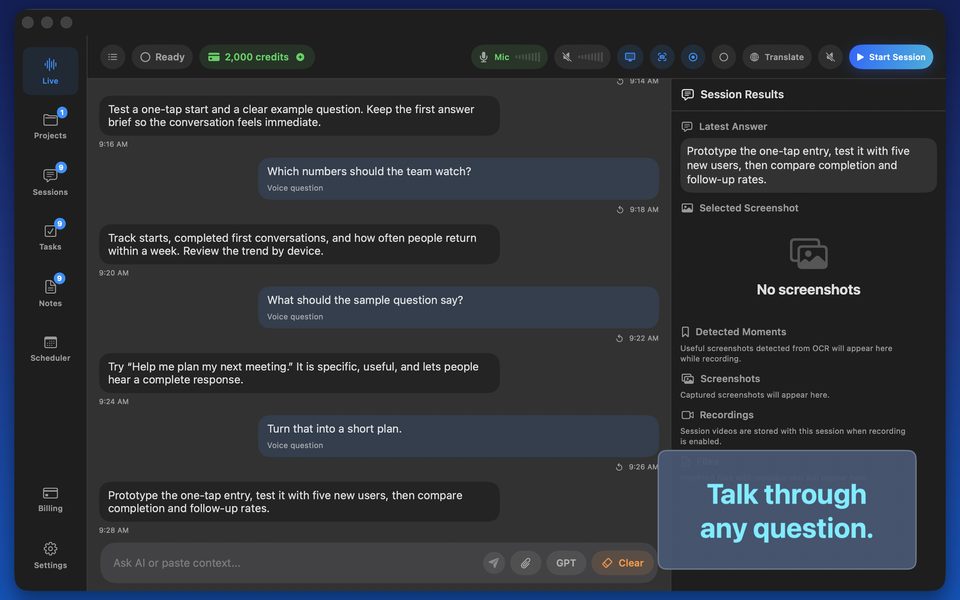
One-click capture for unscheduled voice huddles
Calendar bots only know about meetings with Zoom/Meet links on Google Calendar. Because GPT Realtime Assistant captures macOS system audio and active windows on demand, you can launch a session three seconds after someone pings 'Quick huddle?' in Slack.
Even better, capture the shared screen window inside the Slack Huddle so the assistant sees the PR diff or Grafana graph you are debating.
FAQ
Can I export a clean Slack summary right after the huddle?
Yes—ask for a 4-bullet decision + blocker recap and paste it straight back into the Slack channel.
Does it work with Discord Stage channels and voice rooms?
Yes—any audio playing through macOS is captured cleanly.