How to Use Voice Transcription & Local AI on a Flight (Offline MacBook)
Long-haul flights are rare uninterrupted thinking blocks, yet airline Wi-Fi drops WebRTC voice packets every thirty seconds. Pre-downloading local models before boarding turns a 10-hour flight into an offline studio.
Pre-flight 3-minute checklist at the gate
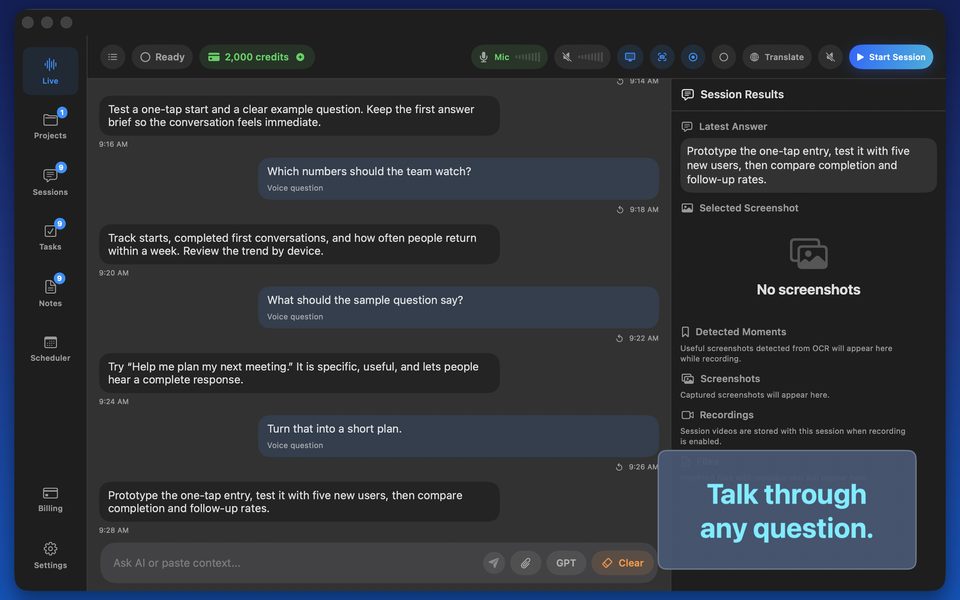
Download model weights on home or lounge Wi-Fi (never over cellular tethering at the gate), select the local model inside GPT Realtime Assistant, plug in wired or AirPods Pro headphones with Voice Isolation to cut cabin engine roar, and speak quietly into a close mic.
FAQ
Will cabin engine noise ruin whisper-quiet speech on a plane?
AirPods Pro or a close headset mic with macOS Voice Isolation filters steady 75 dB cabin hum remarkably well.
Does Airplane Mode burn any of my monthly AI credits?
Zero credits.