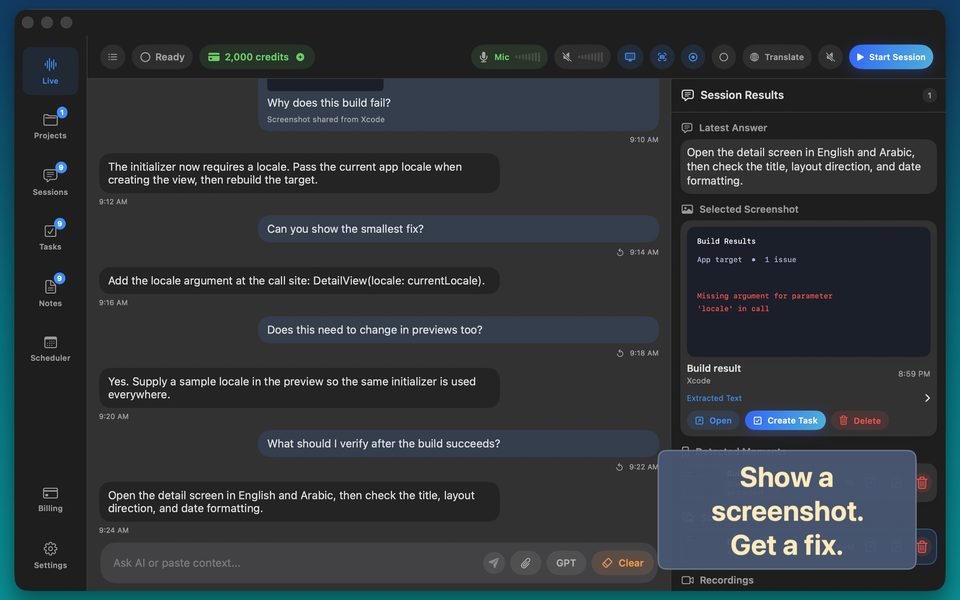
How to Let Voice AI See Your Mac Window, Slides or IDE Live
Describing a UI layout bug, slide hierarchy problem, or multi-column table solely in words wastes two minutes of setup. Capturing the specific macOS window lets you point with your voice: 'Tighten the headline on this slide and check whether the axis numbers match.'
Single-window privacy vs full-screen sharing
Always capture a specific window (e.g., Figma or Preview) rather than your entire desktop so Slack banners, iMessage popups, and password managers never enter the visual frame.
FAQ
Should I still verify small numbers in dense screenshots?
Yes—zoom tables to 125%+ before capturing and confirm key figures against the original source.
Does visual context work on iPhone and iPad too?
Yes—attach camera photos or screenshots directly into any iOS/iPadOS voice session.