How to Set Custom System Instructions for a Live Voice AI Assistant
Default AI voice assistants talk like polite customer-support agents—opening every turn with 'Great question!' and trailing off with three unsolicited caveats. Five lines of custom session instructions fix that permanently.
The 4 rules every great spoken system prompt includes
Spoken language moves at roughly 150 words per minute, less than half the speed of silent skimming. Your system instructions should optimize spoken brevity while letting the side-by-side written pane hold details:
- No throat-clearing: 'Never start with Great question, Certainly, or As an AI. Lead with the direct answer in sentence one.'
- One question at a time: 'When coaching or interviewing me, ask exactly one question per turn and wait.'
- Explicit uncertainty: 'If a date, price, or metric was not stated in the transcript or screenshot, label it UNVERIFIED rather than guessing.'
- Domain glossary: List 5–10 product names, acronyms, and teammate names so transcription and summaries spell them accurately.
Saving instructions per Project so you never paste them twice
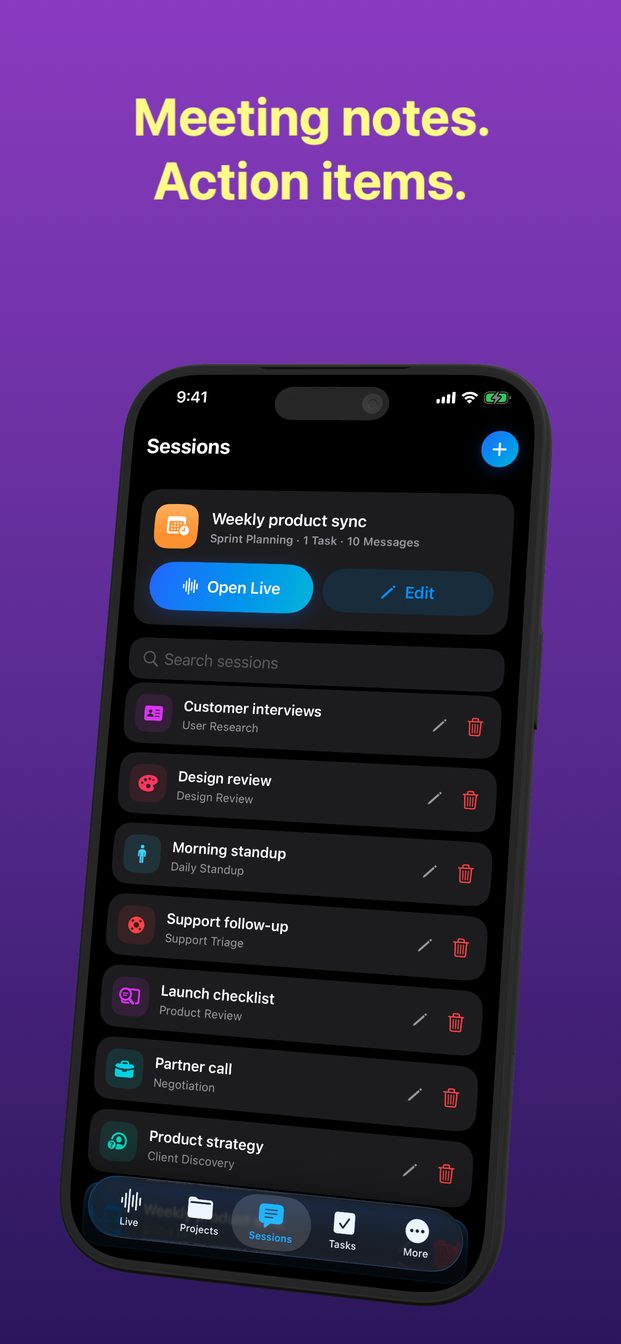
Create separate Projects in GPT Realtime Assistant—for example 'Series A Fundraising,' 'Spanish B1 Practice,' and 'Weekly Engineering Sync'—so every new session inherits the right context automatically.
FAQ
Do custom instructions work alongside Brief, Balanced, and Detailed modes?
Yes—custom instructions define the assistant's role and rules, while the response-length toggle adjusts verbosity on the fly.
Can I use custom instructions with local Qwen 3 8B on Mac?
Yes, local Apple Silicon sessions respect your session template and instructions offline.