Setting up a session that helps: templates, instructions and answer length
A live assistant that knows nothing about the conversation it is in gives generic help at the worst possible moment. Two minutes of setup — which template, what instructions, how long an answer — is the difference between help you use and help you ignore.
Start from a template
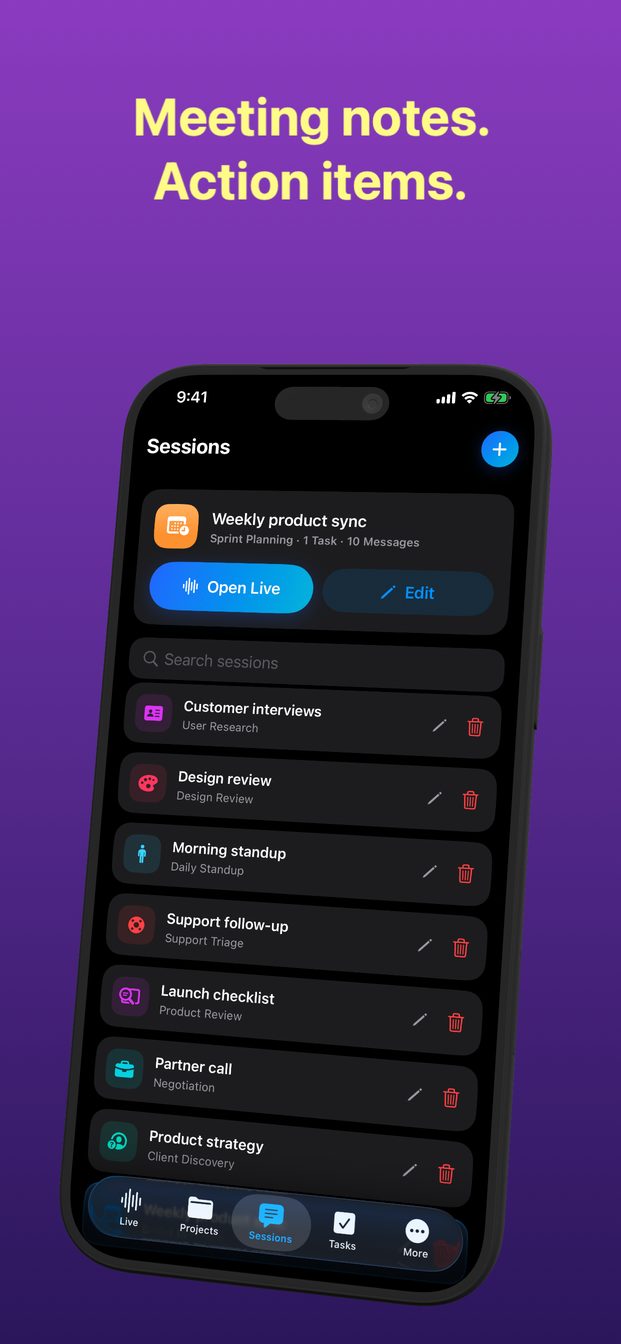
Every new session starts from one of seventeen templates, each with a role and instructions already written for a particular kind of conversation:
- Interview, hiring debrief, one-on-one.
- Negotiation, client discovery, sales demo.
- Sprint planning, daily standup, decision meeting, product review, design review.
- Support triage, incident review, user research.
- Lecture notes, translation, coding task.
- No template, for anything else: a blank session where you write the role and instructions yourself.
Edit the instructions for this conversation
The instructions are the part that matters. A template's defaults are a good start; your own conversation is more specific. Edit them before you start, so the assistant knows this conversation rather than conversations in general.
Good instructions tell the assistant three things: who you are in the conversation, what you want out of it, and what to stay quiet about.
- “I am the buyer. The supplier will propose a price; flag any number that is higher than last quarter's.”
- “This is a standup. Only note blockers and who is waiting on whom. Ignore status updates.”
- “I am the interviewer. Note each claim the candidate makes about their experience, so I can ask about it later.”
Choose how long an answer should be
Answers come in three lengths: brief, balanced and detailed. During a live conversation brief is almost always right — you have a few seconds to glance at the screen, not a minute to read. Detailed is for afterwards, or for sessions where the assistant is explaining rather than prompting.
Projects hold sessions
Put sessions about the same thing in the same project: a client, a course, a hiring round. Each session keeps its history, so the context of the last conversation is next to the next one, and nothing gets lost in one long list.
How many templates are there?
Seventeen, from interview and negotiation to lecture notes, translation and coding task, plus a blank session with your own instructions.
Can I make my own template?
Not as a saved template. Start a blank session, or edit a template's role and instructions for the session you are in.
Which answer length should I use in a meeting?
Brief, in almost every live conversation. Save detailed for afterwards.