How to Take AI Meeting Notes in Microsoft Teams on Mac (No Bot)
If an enterprise client hosts a Microsoft Teams call, your own Copilot license often doesn't apply in their tenant—and their IT admin almost certainly blocks external Otter or Read.ai bots in the lobby.
Why external consultants and agencies get locked out of Teams Copilot
Microsoft Teams ties meeting transcription permissions to the organizer's tenant policy. When you join as an external vendor, lawyer, designer, or candidate, built-in transcription is frequently grayed out.
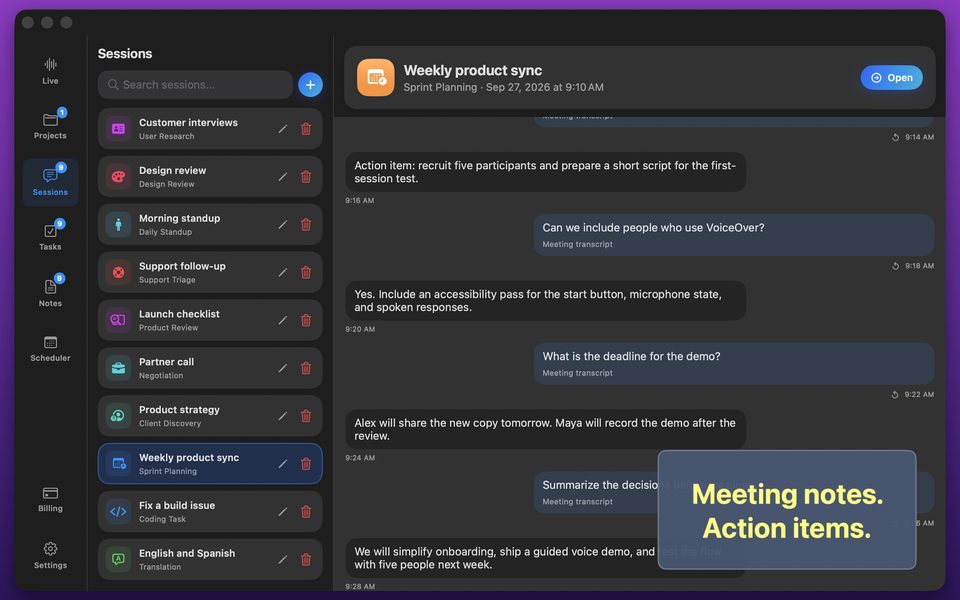
Running GPT Realtime Assistant natively on your Mac captures system audio locally regardless of which company organized the Teams invite—and lets you run Whisper Large v3 Turbo + Qwen 3 8B offline when client NDAs prohibit cloud AI.
FAQ
Does this work with both the Microsoft Teams Mac app and Teams on the web?
Yes—macOS system-audio capture works with the native Teams desktop app and any browser.
Can it translate a multilingual Teams call in real time?
Yes—choose a two-way or live translation session on Mac to follow 58 languages live.