How to Transcribe Zoom Calls on Mac Without an Otter or Fireflies Bot
Few things derail the first two minutes of an executive Zoom call faster than 'Hey, can the host let my AI bot in from the waiting room?' Local macOS capture eliminates waiting-room bots altogether.
Why Zoom waiting rooms break bot-based notetakers
Modern Zoom security defaults hold unauthenticated guests in the waiting room and block unknown Marketplace apps. Bot recorders either get rejected, join late after key introductions, or stay stuck recording an empty breakout lobby.
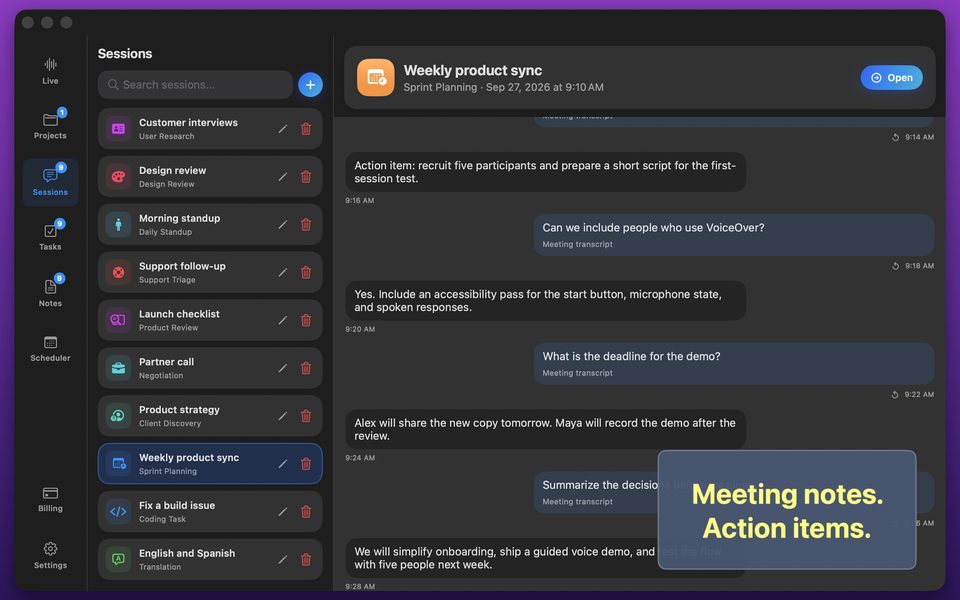
GPT Realtime Assistant runs on your Mac alongside Zoom: it starts the instant you click Start, follows you seamlessly into Zoom Breakout Rooms, and stores the transcript only on your machine.
FAQ
Does it still work when Zoom moves me into a Breakout Room?
Yes—unlike cloud bots that get stranded in the main room, macOS audio capture hears whichever room you are in.
Should I still tell people on the Zoom call?
Yes—transparently letting attendees know you take AI-assisted notes builds trust and respects one-party/two-party consent laws.