Meeting transcript, summary or minutes: what to keep
A transcript preserves wording, a summary compresses the discussion, and minutes record the meeting in the format your organization requires. They answer different questions. Decide which record the reader needs before asking AI to shorten anything.
Choose the artifact by the reader's next action
A participant checking an exact phrase needs the transcript and its context. A colleague catching up needs the main points and unresolved issues. Someone administering a formal decision may need minutes with attendance, decisions and approval according to the organization's process. A tidy summary does not automatically satisfy that process.
For routine work, it can be useful to keep a detailed source privately and circulate a verified short recap. That is an editorial choice, not permission to retain every recording indefinitely. Agree what can be captured, who may read it and how long it is needed before the meeting starts.
Work from a deliberately tricky example
Consider these invented notes: “Maya: we could pilot in June if legal review is complete. Ben: I can draft the checklist, probably next week. Chair: bring the open issues to Thursday's review.” A transcript-like record should preserve the condition and uncertainty. It should not silently replace “could” with “will.”
A defensible summary is: “The team discussed a conditional June pilot. Ben offered to draft a checklist; the date remains unconfirmed. Open issues will be reviewed Thursday.” Formal minutes might record a request for further review rather than a pilot decision. The example shows why compression needs judgment: the shortest version, “June pilot approved,” is wrong.
Draft a summary with explicit categories
Prompt a general assistant: “From these notes, produce Discussion, Confirmed decisions, Proposed actions and Open questions. Use only the supplied text. Label unconfirmed dates and owners. Do not describe suggestions as approvals.” Supply notes you are authorized to process, and remove details that the recipient does not need.
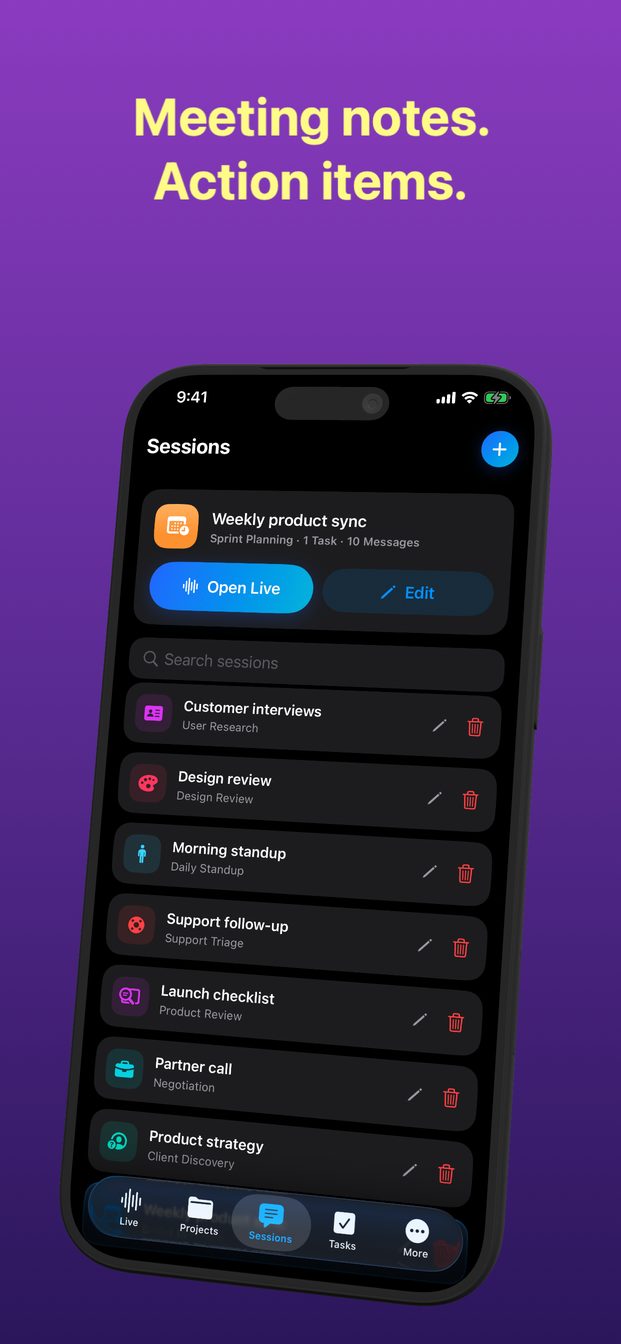
GPT Realtime Assistant can provide the live source conversation and respond to instructions. This guide describes requesting and reviewing a recap; it does not assert an automatic meeting-summary feature or a minutes-approval workflow in the app.
Compare the compressed record with the source
If a draft leaves no uncertainty, compare that confidence against the meeting. Real discussions often contain unresolved dependencies. A summary that sounds more final than the participants did needs revision even when every individual noun appears somewhere in the source.
- Highlight each factual claim in the draft recap.
- Find the source sentence that supports it.
- Check modal words: may, could, must, will and not.
- Check names, amounts, deadlines and conditions separately.
- Ask the responsible participant to confirm ambiguous commitments.
- Keep the approval state visible when circulating formal minutes.
Keep each artifact recognizable
Label documents clearly: “Working transcript,” “Reviewed recap” or the formal title your organization uses. Add the meeting date and version so recipients do not act on a superseded draft. If a correction changes a decision or obligation, explain the correction rather than quietly replacing the old text.
Microsoft's transcription documentation illustrates that transcripts themselves can be reviewed and edited. That does not make any transcript an authorized decision record. The person accountable for the meeting should decide which artifact is distributed and how questions or corrections will be handled.