Apple Intelligence Siri vs Live GPT Realtime Voice on iOS 26 & Mac
Apple Intelligence made Siri noticeably better at setting reminders, summarizing notifications, and handing off single questions—but single-turn command assistants are not built to sit through a 40-minute client call, mock interview, or bilingual negotiation.
Command assistant vs continuous conversational workspace
Siri excels at OS actions: 'Text Sam I'm five minutes out,' 'Set an alarm for 6:30,' or 'Turn on Work Focus.' Its interaction loop expects one request, one reply, and immediate dismissal.
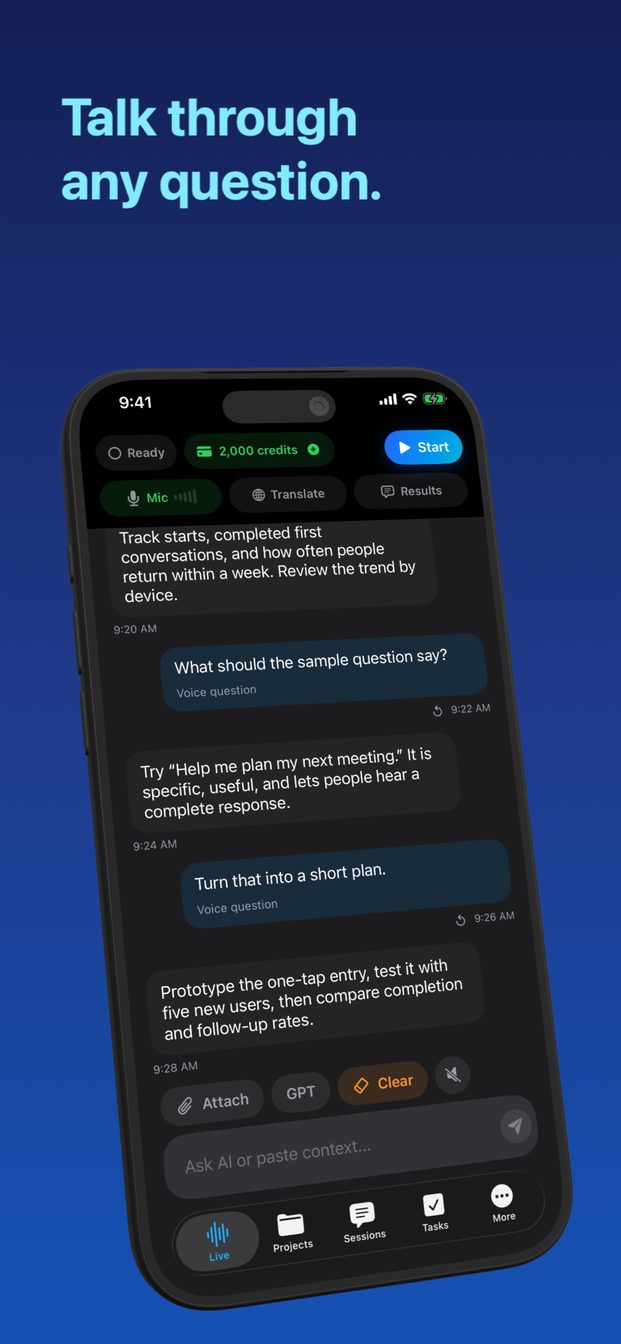
GPT Realtime Assistant stays open across a whole working session. It listens continuously with semantic turn detection, maintains a scrollable transcript beside structured written answers, locks into two-way 58-language translation, and organizes multi-day work inside Projects and Tasks.
- Use Siri for OS toggles, HomeKit, alarms, and Apple Messages.
- Use GPT Realtime Assistant for meetings, 58-language live translation, mock interviews, window/screenshot analysis, and offline Mac Whisper transcription.
FAQ
Can Siri transcribe a 45-minute Zoom call on Mac with action items?
No—Siri handles short voice commands rather than continuous system-audio call transcription and decision logging.
Does GPT Realtime Assistant work on iOS 26, iPadOS 26, and macOS?
Yes—one Apple ID unlocks your workspace across iPhone, iPad, and Mac.