How to get a live transcript of a meeting on iPhone, iPad or Mac
The usual way to get a transcript is to record the meeting and transcribe it later. It works, and it costs you the meeting twice: once to sit through it, once to read what it said. A transcript written while people are still talking is a different tool, because you can use it before the meeting ends.
Afterwards is already late
A recording transcribed after the fact answers one question: what was said. It cannot answer the questions you had during the meeting — what did she mean by that number, did we agree on the Thursday date, who took the action on the contract — because by the time the text exists, the moment to ask has gone.
A live transcript moves the text into the meeting. You can scroll back to a sentence from ten minutes ago while the conversation carries on, check a figure before you repeat it, and catch a decision while the people who made it are still in the room.
What a live session actually does
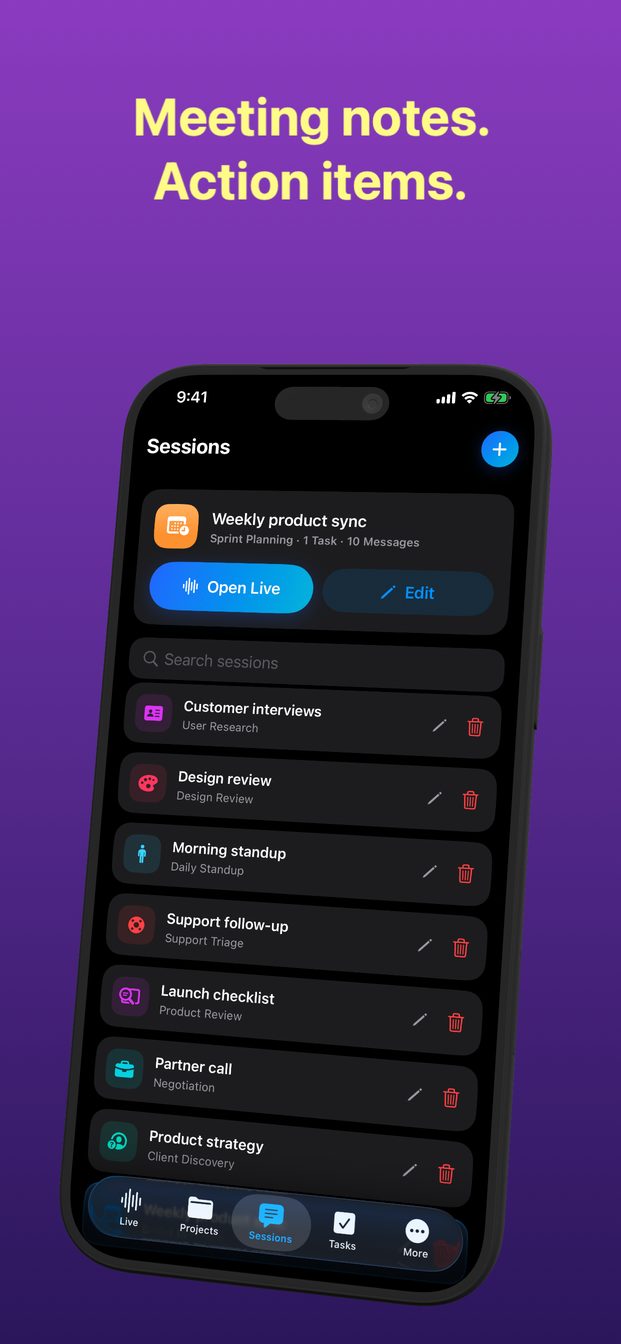
In GPT Realtime Assistant a session is something you start and end yourself. When you tap Start, the microphone streams to the model, and what is said appears on screen as a transcript. Whatever the assistant has to say appears beside it, so the conversation and the help are in one view rather than two apps.
It listens for the end of a thought rather than a gap in the sound: semantic voice detection decides when a speaker has finished, so a pause to find a word is not mistaken for the end of an answer. If the assistant starts replying and you have something to add, you interrupt it by speaking.
Running one, step by step
The whole thing takes less time than finding a pen.
- Open the app and pick the project the meeting belongs to. Projects hold sessions, and sessions keep their history, so next month's meeting on the same subject sits next to this one.
- Start a new session from a template that matches the room — decision meeting, one-on-one, daily standup, client discovery and others. The template sets the assistant's role and instructions, so it knows what to listen for.
- Put the device where it can hear everyone: flat on the table, in the middle, not in a pocket or behind a laptop screen.
- Tap Start before the conversation does. There is no way to transcribe what was said before the session began.
- Tap End when the meeting ends. The transcript and everything the assistant said stay in the session's history.
Where the device goes matters more than which device
Transcription is only as good as the audio it gets. One device in the middle of a table of six does better than a phone in front of the person who talks least. An iPad propped up at the end of the table works well, because it is easy to glance at without picking up.
Meetings that happen on a screen rather than around a table are a different problem, because the other people's voices come out of your computer rather than across the room. On a Mac the app can listen to system audio for exactly that — the guide on transcribing a video call covers it.
Two ways to transcribe, and a third on the Mac
On iPhone and iPad the transcript comes either from OpenAI's model or from Apple's speech recognition running on the device. On an Apple silicon Mac there is a third option: the app can download Whisper Large v3 Turbo and run it on the machine, for conversations whose audio should not leave the room.
Where the transcript ends up
Transcripts, answers, sessions and projects are stored on the device. There is no cloud sync. The app's own backend handles your account, purchases and credit balance; it does not receive or store your audio, transcripts or answers.
In a cloud session the audio is streamed to OpenAI to produce the transcript and the answers. That is worth knowing before you start, and worth telling the people you are meeting with.
Before you tap Start
A transcript captures everyone in the room, not just you. Tell people you are transcribing, and check whether your organisation or the law where you are asks for more than that. The guide on recording and transcribing other people goes through what to say and why.
Can I transcribe a meeting that already happened?
Not with a live session: it transcribes what it hears while it is running. Start the session before the meeting starts.
Where is the transcript saved?
On the device, inside the session's history. There is no cloud sync, and the app's backend does not store transcripts.
Does it work in languages other than English?
The model handles many languages. For a conversation between two languages, a translation session is built for that — see the guide on translating a conversation live.