Choose a conversational assistant or a meeting notetaker
A conversational assistant helps you ask, clarify and work through a problem. A meeting notetaker is organized around capturing a conversation and reviewing what happened. Some products combine these jobs, but the distinction helps you avoid buying a recording workflow when you need interactive help, or the reverse.
Identify the moment when help is needed
If you need to rehearse, brainstorm or ask follow-up questions, the key interaction is between you and the assistant. If you need a reliable record of several people’s discussion, the key artifact is the transcript, summary or action list. Start with that outcome.
For a weekly review you may need an assistant that asks focused questions. For an agreed team discussion you may need capture, speaker review and a decision record. A lively conversation interface does not itself establish multi-person capture quality or meeting-platform integration.
Inspect how each product gets the conversation
A tool might join a meeting as a participant, capture approved desktop audio, use a microphone in the room or analyze a supplied transcript. Those paths have different platform and permission requirements. “No bot” describes one aspect of capture; it does not mean that recording permission is unnecessary.
Granola’s official description emphasizes meeting notes without a joining bot. Fireflies documents live notes and transcripts. MeetMi describes a particular mix of on-device transcription and cloud text analysis. Do not transfer those architectures or controls to GPT Realtime Assistant without evidence.
Use a fictional meeting to compare outputs
Prepare this short note: “Jordan will check the export by Monday. We discussed moving launch to June but made no decision. Alex needs the sample file.” Ask for decisions, tasks and open questions. The launch should remain undecided, and a task with no owner should not acquire one from imagination.
For interactive help, ask: “What must we clarify before ending the meeting?” A useful assistant asks about the sample-file owner or the criteria for the export check. This tests a different job from producing a retrospective summary, even when one product can do both.
Check the artifact you must trust
For note-taking, inspect whether the original source can be reviewed and whether summary claims can be checked. For conversational assistance, inspect how corrections and context are handled. Review sharing and retention controls separately from the quality of the generated text.
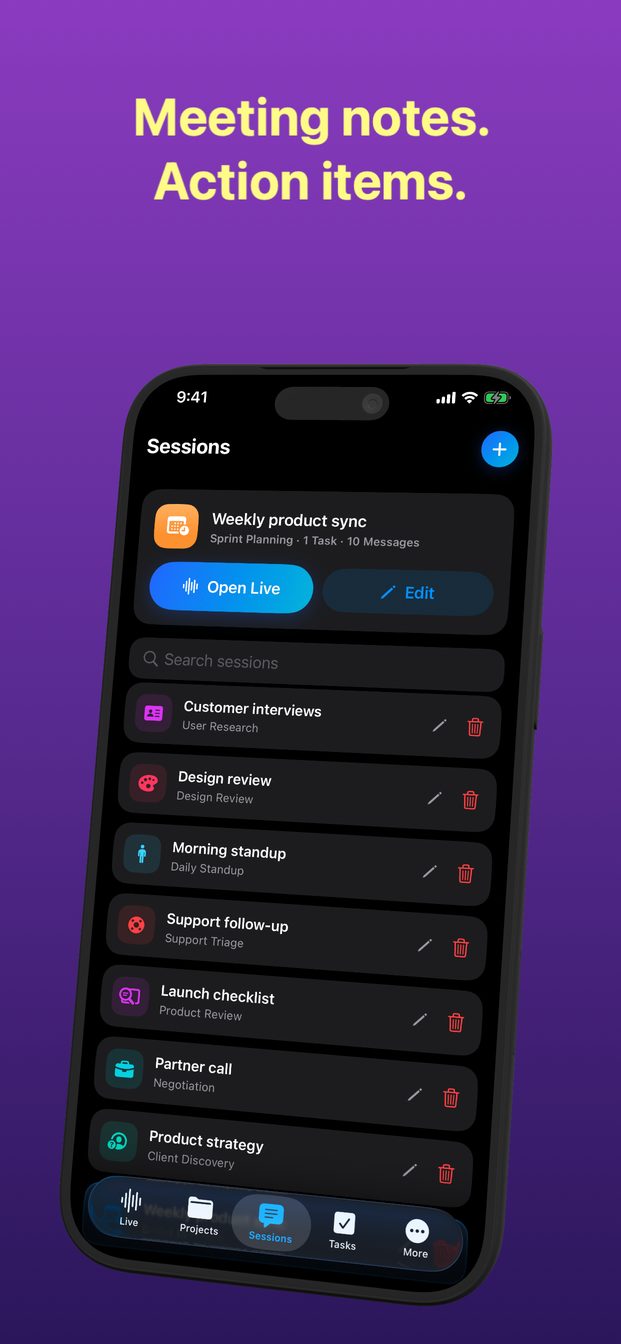
GPT Realtime Assistant offers sessions, templates, projects and tasks. Those facts do not establish autonomous Zoom or Teams joins, team-cloud workspaces or external task integrations. Use its documented capture path for the device, and do not promise system-wide iPhone call recording.
Choose a workflow and a fallback
A team may need approved meeting software and a human reviewer for the record, then use an assistant on a sanitized recap to plan next steps. An individual may only need a short interactive session. There is no obligation to make one tool perform every role.
If a capture method fails, preserve authorized manual notes rather than pretending the generated summary covers missing speech. If the organization disallows AI processing, use its approved alternative. The right choice balances timely help, a reviewable record and permission to handle the material.
FAQ
Does a no-bot app avoid the need to tell participants?
No. The capture method does not remove privacy expectations, workplace policy or applicable recording requirements.
Does GPT Realtime Assistant automatically join meetings?
This guide makes no such claim. Use only the capture and device capabilities documented for the installed version.