Record Clean Mac Demos & Bug Walkthroughs Without Capturing Your Notes or AI Overlay
When you record a product tutorial, engineering bug reproduction, or customer walkthrough on Mac, you often want a script or live AI checklist on screen—without baking that window into the final MP4 video or feeding the assistant a screenshot of itself. Enabling Hide app solves both problems automatically.
Preventing the 'hall of mirrors' in Vision screenshots
On Mac, GPT Realtime Assistant can capture a chosen display or window via Screenshot so the assistant can read an error stack trace, chart, or UI layout in view. If your assistant window overlaps the target display while visible, an ordinary full-display screenshot captures the assistant window too—wasting visual tokens on its own UI.
When you toggle Hide app on in the Live toolbar, the app sets excludeOwnApplicationFromCapture = true on its ScreenCaptureKit filter. Every Screenshot and vision task moment captures only the underlying target application, even if GPT Realtime Assistant is floating right on top of it.
Recording narrated walkthroughs with an invisible teleprompter
Need to send a crisp three-minute bug reproduction or feature demo to a client or engineering team?
- Open your outline in Notes on Mac—or load your talking points in Karaoke readback so each word highlights on-device as you speak.
- Turn on Hide app (orange checkmark) in the Live toolbar.
- Click Record (or capture with QuickTime / OBS / CleanShot using standard macOS display capture).
- Read naturally from your floating window near the top of the screen while clicking through the app underneath; the recorded video shows only your clean desktop and target app.
Attaching clean visual evidence to Tasks
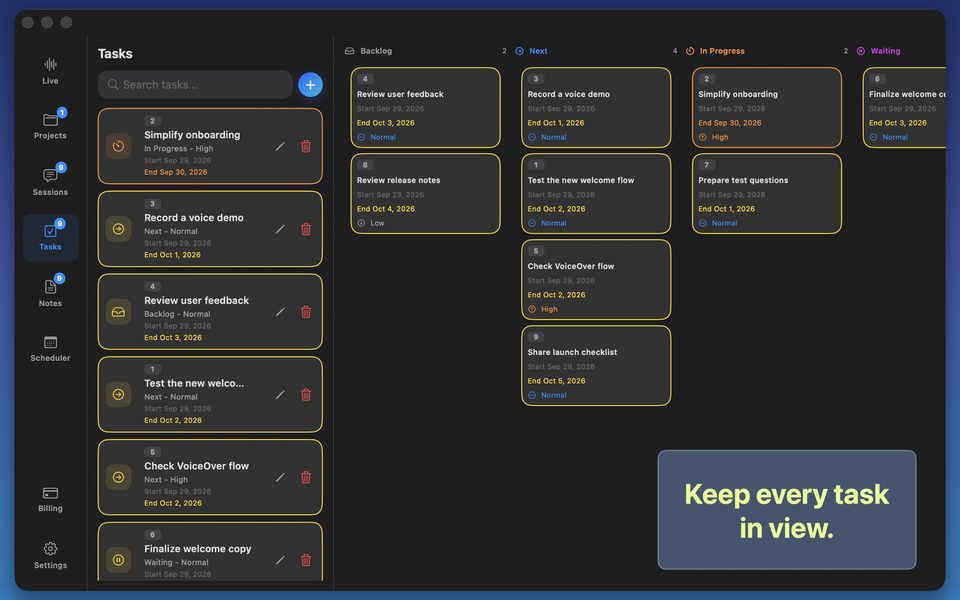
During incident reviews and QA triage on Mac, turning useful moments into Tasks can attach screenshot or session video evidence stored locally on your Mac. Keeping Hide app enabled ensures every saved task screenshot shows pure product state without overlapping transcript chrome.
FAQ
Does Hide app also hide the window from macOS Command-Shift-3 / Command-Shift-4 screenshots?
Yes. While Hide app is toggled on, standard macOS screenshots capture the windows behind GPT Realtime Assistant as if the assistant window were transparent.
Where are recorded Mac session videos and task screenshots stored?
Locally on your Mac inside the session and task records. Arte Soft's backend never receives your video recordings, screenshots, audio, or transcripts.