Why Voice-Only AI Fails for Work (Side-by-Side Transcript + Answers)
Try remembering five action items, two SQL column names, or a translated pharmacy dosage from a purely spoken AI orb. Audio is unbeatable for input speed and nuance, while text is unbeatable for scanning and verification.
Speak at 150 WPM, verify at 500 WPM
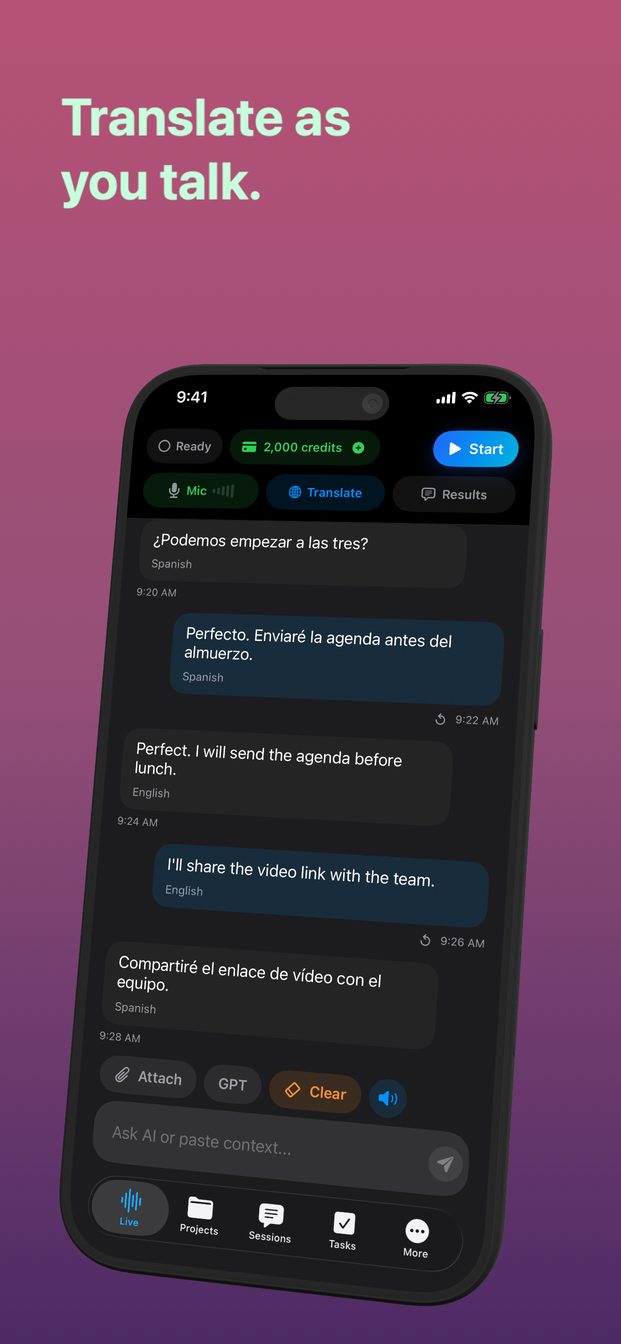
Combining live voice input with a split workspace gives you both speeds at once: you speak naturally without typing, scroll back to check exact wording in the live transcript, and read structured bullet answers beside it.
On iPad and Mac, the multi-column layout lets you watch a meeting or bilingual conversation unfold on the left while capturing verified action items and coaching cues on the right.
FAQ
Can I switch between short spoken replies and detailed written notes?
Yes—Brief, Balanced, and Detailed modes let you keep spoken interruptions minimal while retaining clear written takeaways.
Are both the transcript and assistant answers saved in session history?
Yes, both stay saved locally inside the session on your device.