Choose online or on-device translation for a conversation
Choose a translation setup by the complete job you need done, not by an offline label alone. Text translation, speech recognition and spoken output can have different requirements even within one application.
List the parts of your conversation
Write the source language, target language, input method and required output. “English to German typed text” is a different test from “listen to a German reply and speak English.” A downloaded text model does not by itself establish that the microphone, recognition and speech output also work without a connection.
Add the device and the specific version you plan to use. Language availability and downloads can differ between products and devices. Do not infer translation support from the language of an app’s menus: interface localization and the ability to translate a language are separate facts.
Understand the practical trade-off
Online translation requires a usable connection to the chosen service and sends the relevant input to that provider according to the product’s data handling. It may suit a connected conversation, but signal loss becomes part of the workflow. On-device translation reduces that network dependency only for the functions and languages actually available locally.
Google’s offline translation documentation, for example, describes downloading supported language packs and shows that not every language has a download option. That is evidence about Google Translate, not proof that another translator has the same catalog or that every voice feature is offline. Check the documentation for the exact tool you choose.
Use a four-part disconnect test
Original test card: “Device and app version: __. Source → target: __. Text input result: __. Microphone input result: __. Spoken output result: __. Downloads installed before disconnect: __. Recovery after reconnect: __.” Fill it with your observations rather than assumptions about what the model should do.
Before a trip, prepare a harmless sentence and its checked meaning. Download any required assets while connected, disconnect the network, and try the text, microphone and speaker separately. Repeat with a fresh sentence so a previous result cannot be mistaken for a new translation. If one stage fails, record that stage instead of labeling the entire device incompatible.
Keep product promises separate from comparisons
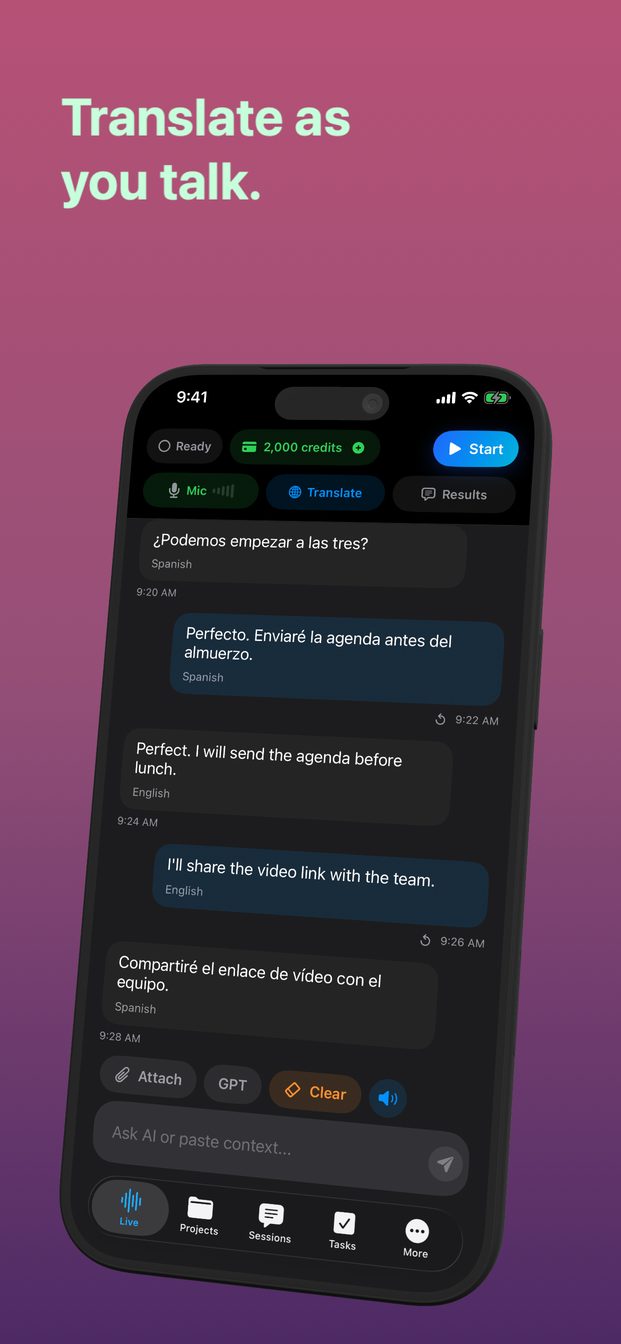
The published GPT Realtime Assistant 1.2 description requires internet for iPhone and iPad sessions. Do not choose that public release expecting an offline mobile translator because newer development work or a different Mac workflow mentions local models. Verify a later release and its device requirements before relying on changed behavior.
For an important journey, keep a checked written phrase and the original address or instructions outside your online session. If privacy is the deciding factor, inspect where each stage processes data; an offline translation model does not automatically establish how analytics, accounts or other features behave. This checklist compares workflows and makes no measured claim that one provider is always faster or more accurate.
FAQ
Does downloading a language guarantee offline speech translation?
No. Check recognition, translation and spoken output separately for your device and language pair.
Is GPT Realtime Assistant 1.2 an offline iPhone translator?
Its public description says iPhone and iPad sessions need internet. Treat development-only capabilities as upcoming until the released version and its requirements are verified.