Remove private information before sharing a file with AI
A colored box over private information may only hide it visually. Prepare a separate sharing copy, remove the underlying sensitive material, and inspect the exact file or image you intend to send.
Decide what the task actually needs
List the information required for the question. A request to explain an invoice layout may not need a real name, address, customer number or bank detail. Replace those with clearly fictional placeholders where possible, while preserving the structure relevant to your task.
Look beyond the obvious text. Screenshots can show notifications, browser tabs, account avatars and filenames. Photographs can contain badges, background documents or reflections. Cropping to the necessary region reduces exposure, but check whether the omitted context was needed to interpret the remaining text accurately.
Use real removal rather than decoration
Adobe documents a redaction workflow that applies removal and offers sanitization of hidden information. A markup rectangle is not the same operation. Use a tool designed to remove the content when working with a PDF, and save a separate sanitized copy instead of sharing an editable marked-up original.
For an image, create a new flattened export containing only the approved pixels. Do not rely on a reversible annotation layer, crop history or an attached original. Flattening by itself does not sanitize every document format; a PDF can still have hidden searchable text, attachments or metadata unless those are removed appropriately.
Inspect the exact sharing copy
Original pre-share checklist: “Open the exported copy in a different viewer. Search for the removed names and identifiers. Try selecting or copying text from the redacted region. Inspect visible page edges, comments, attachments and document properties. Check the filename. Confirm that only the intended pages are present.”
For a synthetic practice file, redact the invented name “Mira Sample” and a sample reference code. Search and copy from the output to see whether either remains. This is a check of your export workflow, not proof that an arbitrary tool meets every security requirement. Sensitive business material may need an approved organizational process.
Share the minimum and retain the boundary
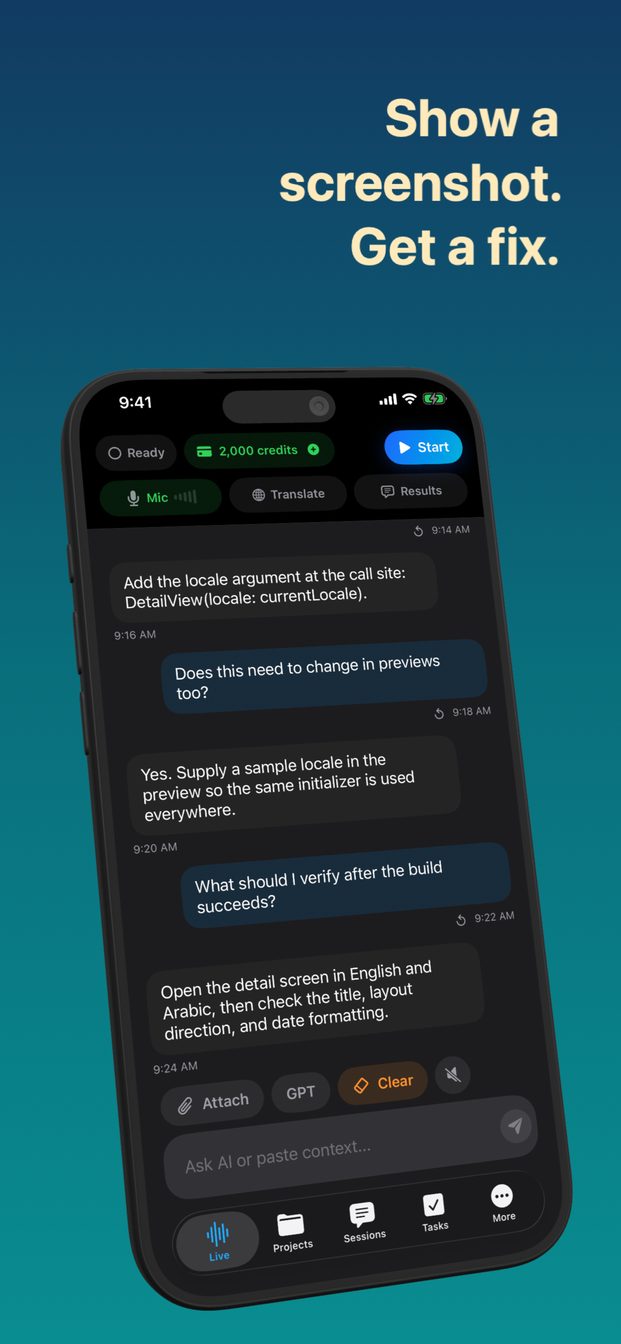
In GPT Realtime Assistant, the released image-context feature lets you discuss a photo or screenshot. Send only the prepared copy, and explain any placeholders that affect the question. Do not upload the unredacted source to ask the assistant to redact it; that already discloses the information you intended to withhold.
If you are unsure whether removal was effective, type a short sanitized excerpt manually or do not share the material. Keep the original and sharing copy distinctly named in your own storage. Do not infer provider retention or confidentiality from a local file operation: redaction reduces what you send, while service data handling remains a separate question to review.
FAQ
Is a black rectangle sufficient?
Not if the underlying text or editable layer remains. Apply true removal for documents, sanitize hidden information where relevant, and inspect the exported copy.
Can I ask AI to redact the original first?
That sends the original to the service. Remove sensitive content locally before sharing if the goal is to prevent disclosure.