Vibe Coding by Voice on Mac: Dictation Tools vs Live AI Spec Design
Dictating raw stream-of-consciousness prompts straight into Cursor, Windsurf, or Claude Code feels fast for the first ten minutes—and then costs two hours untangling contradictory edge cases you never specified.
Why raw voice dictation produces ambiguous coding prompts
Tools like Wispr Flow and Superwhisper transcribe your speech faithfully into any text cursor. The catch is that spoken thoughts are naturally elliptical: we skip auth boundaries, error states, and database migrations unless someone asks.
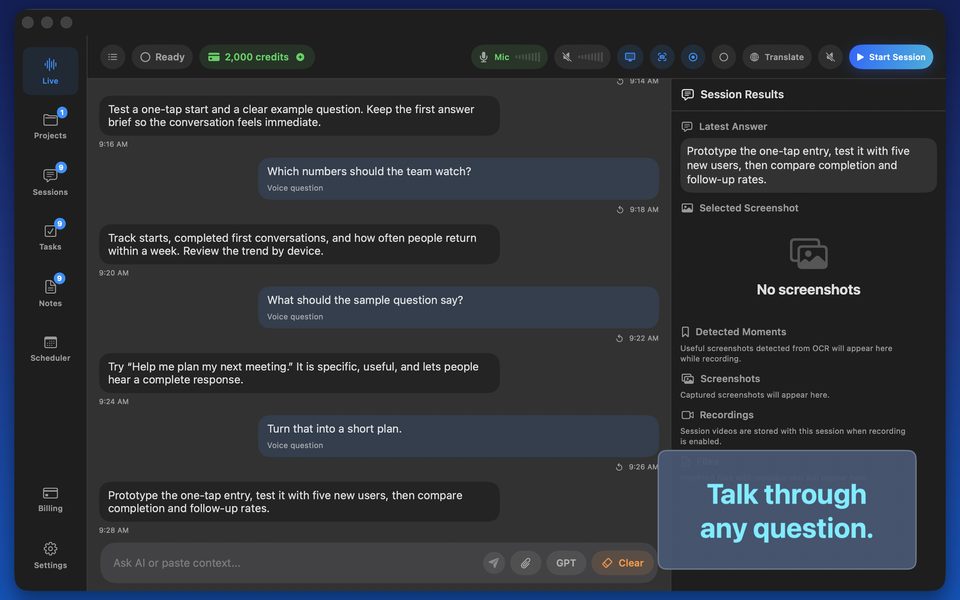
Spending four minutes in a conversational GPT Realtime Assistant session—'Quiz me on missing edge cases in this Stripe webhook feature, then output a clean Markdown spec'—gives your coding agent an unambiguous blueprint.
The 4-minute Voice-to-Spec workflow on macOS
Describe the feature aloud, attach a UI wireframe screenshot if you have one, answer three clarifying questions from the assistant, and copy the structured spec from the side-by-side answer pane straight into Cursor or Claude Code.
FAQ
Does GPT Realtime Assistant replace system-wide keyboard dictation?
No—keyboard dictation inserts verbatim words into text fields, whereas GPT Realtime Assistant is a live two-way workspace that challenges, translates, and structures your thinking.
Can I run spec brainstorming offline on an Apple Silicon MacBook?
Yes, using the built-in local Whisper + Qwen 3 8B mode.