Run a weekly review by talking through your work
A weekly review works when it changes next week’s decisions. Talking can expose unfinished commitments that a task list hides, but a fluent AI summary can also make uncertain work sound finished. Use a short review with evidence for each outcome, then approve the carryovers yourself.
Gather a small, truthful starting list
Start with the projects you actually touched, the commitments due this week and any notes that explain changes. You do not need to recount every conversation. Choose a quiet place and keep sensitive names out of the spoken material when the identity does not affect the review.
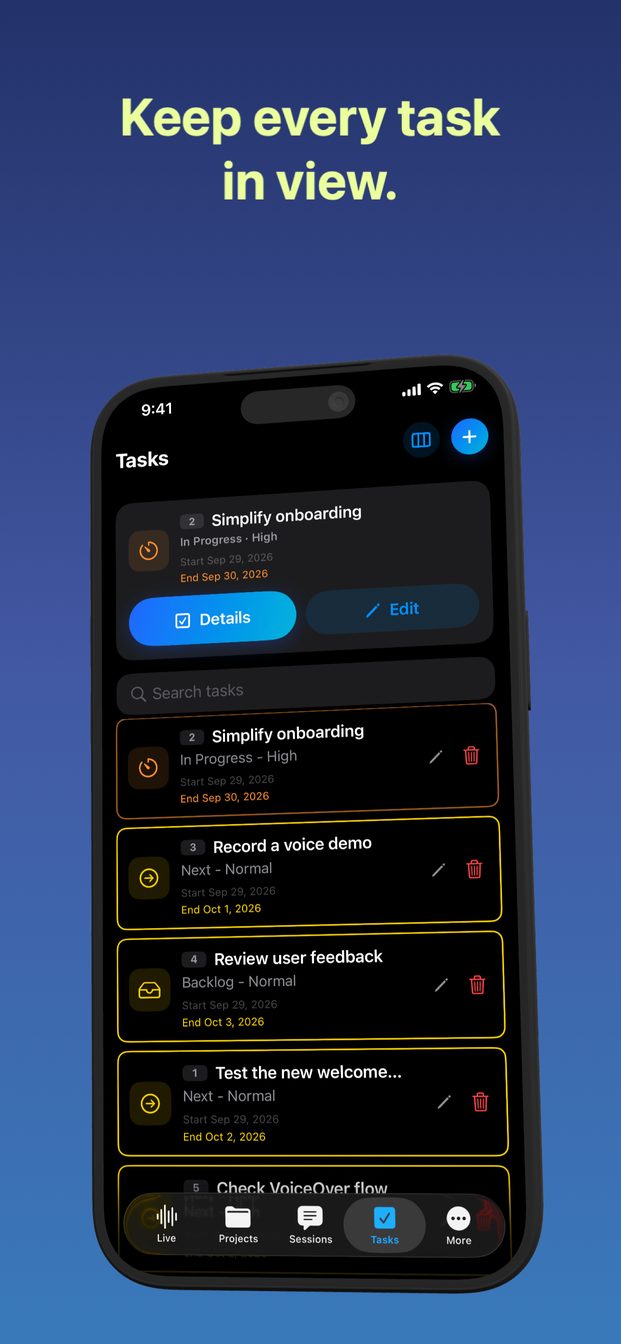
GPT Realtime Assistant organizes sessions and projects and provides task controls. Those features can hold the review, but they do not establish that a task was completed in another service. Keep the original document, delivery message or other evidence available for anything consequential.
Use three passes instead of one long monologue
First describe outcomes: what changed, who received it and what remains unverified. Then discuss carryovers: why each item slipped, whether it still matters and what would unblock it. Finally choose a small number of next commitments. Separating these passes prevents a backlog from drowning out real progress.
Try this instruction: “Help me review this week. Ask one question at a time. Label each item confirmed complete, still open, or uncertain. Do not change a status based on optimistic language. At the end, list next actions that I explicitly accepted.” This is a suggested prompt, not an automated reporting feature.
Work through an ambiguous example
Suppose you say: “I finished the proposal, sent the draft to Lee, and probably fixed the export issue.” A useful review separates three facts: a draft was sent; approval is unknown; the export repair needs a test. It should not announce that the whole project shipped.
Follow up with: “Which evidence would let us mark each item complete?” For the proposal, that may be the agreed delivery milestone rather than approval. For the export, name the file and test result you still need. The expected output is a specific check, not a more confident version of your original uncertainty.
Turn carryovers into choices
For each unfinished task, choose continue, defer, delegate with agreement, or stop. “Continue working on the report” is too vague. “Draft the two missing sections before Tuesday’s review” creates something you can evaluate. Add a date only when you are prepared to commit to it.
If the assistant produces ten priorities, ask which three support your stated goal and what must wait. If it invents dependencies or owners, remove them. Use the app’s task controls where suitable, but review the saved wording; do not assume a spoken suggestion became a reminder or a calendar entry.
Finish with a reviewable record
End with a brief containing confirmed outcomes, unresolved checks, accepted next actions and deferred items. Re-read names, dates and status words before keeping it. The review succeeded if you can explain the next step for each active project without replaying the whole session.
When the week was disrupted, a smaller record is enough: one outcome, one unresolved blocker and one next action. You can resume a later session with that record as context. These are planning aids rather than an independent audit of your work.
FAQ
Can AI mark my tasks complete automatically?
Treat generated completion claims as suggestions. Confirm the underlying work and review any task status yourself.
How long should my review take?
Use the smallest session that produces clear decisions. The number of projects and unresolved commitments matters more than a fixed timer.