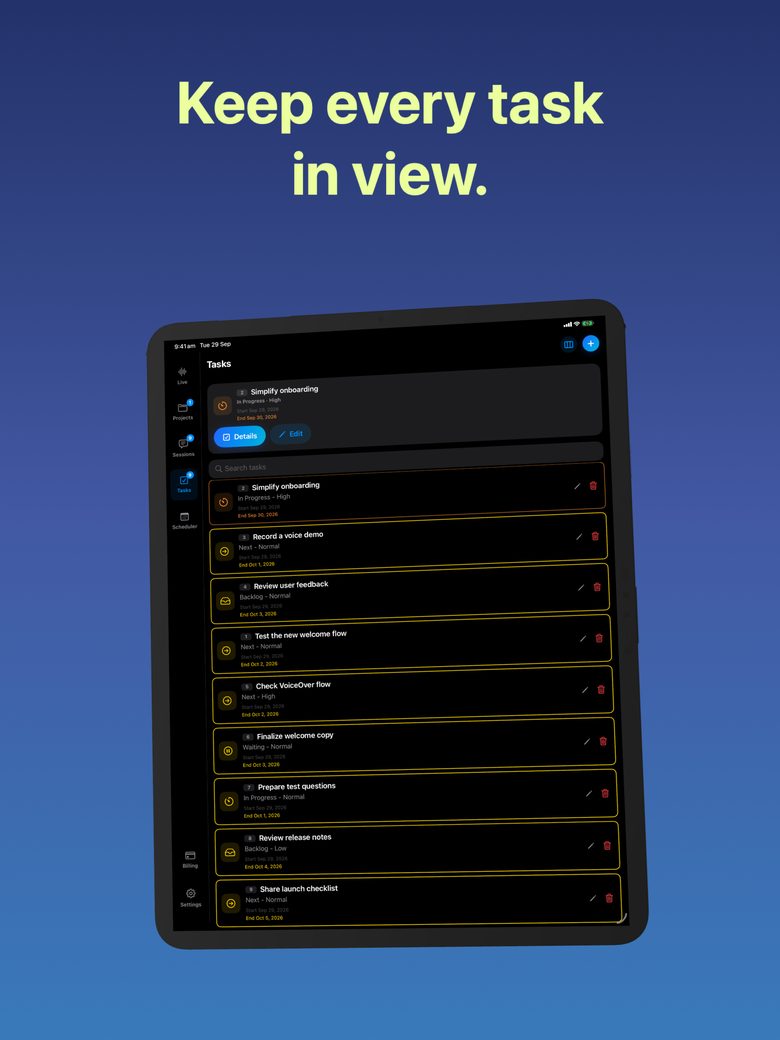
Write a project update from notes and completed tasks
A useful project update tells readers what changed and what they need to decide. AI can help organize the wording, but it should not turn activity, optimism or a past plan into proof of progress.
Choose the reporting date and audience
State the period the update covers and who will read it. A personal next-action note differs from an update to an organizer who must approve spending. Ask what that reader needs to know: a decision, a dependency, a revised date or the location of a completed draft.
Gather actual evidence before drafting: a reviewed file, an accepted task, a confirmed reply or a clearly dated note. Keep old plans separate. “We intend to send the draft on Tuesday” says what was planned, not that it was sent. If you cannot find confirmation, label the state unknown or ask the owner.
Use a status ledger
Original ledger: “Item: __. State at reporting date: done / in progress / blocked / not started / unknown. Evidence: __. Owner: __. Next action: __. Decision needed from reader: __.” These labels are a writing aid; use your project’s own agreed statuses when recording tasks.
A fictional example: “Handout draft: in progress; text exists, diagrams missing. Room: blocked; organizer awaiting venue reply. Exercise list: done; accepted by Jo on 22 October.” The evidence distinguishes finished preparation from a deliverable still missing a required part. Do not count all three as completed simply because each has been discussed.
Ask for a source-limited update
Original prompt: “Write a concise update for the workshop organizer using only this ledger. Lead with the decision needed. Separate completed work from current work and blockers. Preserve dates and uncertainty. Do not invent percentage complete, claim a file was delivered or say the project is on track without evidence.”
Check every status word. “On track” depends on scope, dependencies and timing, not the pleasant tone of the notes. “Nearly finished” can hide the only unresolved item that matters. Replace unsupported generalities with a concrete next action: “Confirm the room capacity before finalizing exercises.”
Review changes against the last update
Compare the new draft with the previous update. Highlight what became complete, what slipped and what changed in scope. If nothing changed, say so plainly. Repeating a future intention in new wording can make an inactive project look as though it is moving.
GPT Realtime Assistant can help discuss or draft an update from supplied context. You must ask for it, verify the evidence and manually record or send the accepted text. This is not autonomous reporting, task-system integration or a guarantee that the assistant can inspect files it has not received. Keep confidential project details out of the prompt when a redacted ledger would answer the question.
FAQ
Can AI calculate percentage complete from notes?
Only if you provide a meaningful agreed measurement. Counting tasks or adjectives is not a reliable substitute for actual completion evidence.
What should I write when progress is unclear?
State what is known, mark the uncertainty and name the person or check needed to resolve it. Do not invent a confident status.